
Welcome to Arketa
Arketa is a business management platform built for fitness and wellness studios. Here's everything you need to get running.
Arketa gives you everything you need to run your fitness or wellness business in one place — class scheduling, appointments, on-demand video, client management, payments, marketing, and more.
Whether you're a solo instructor or managing a full studio with multiple teachers and locations, this help center has you covered.
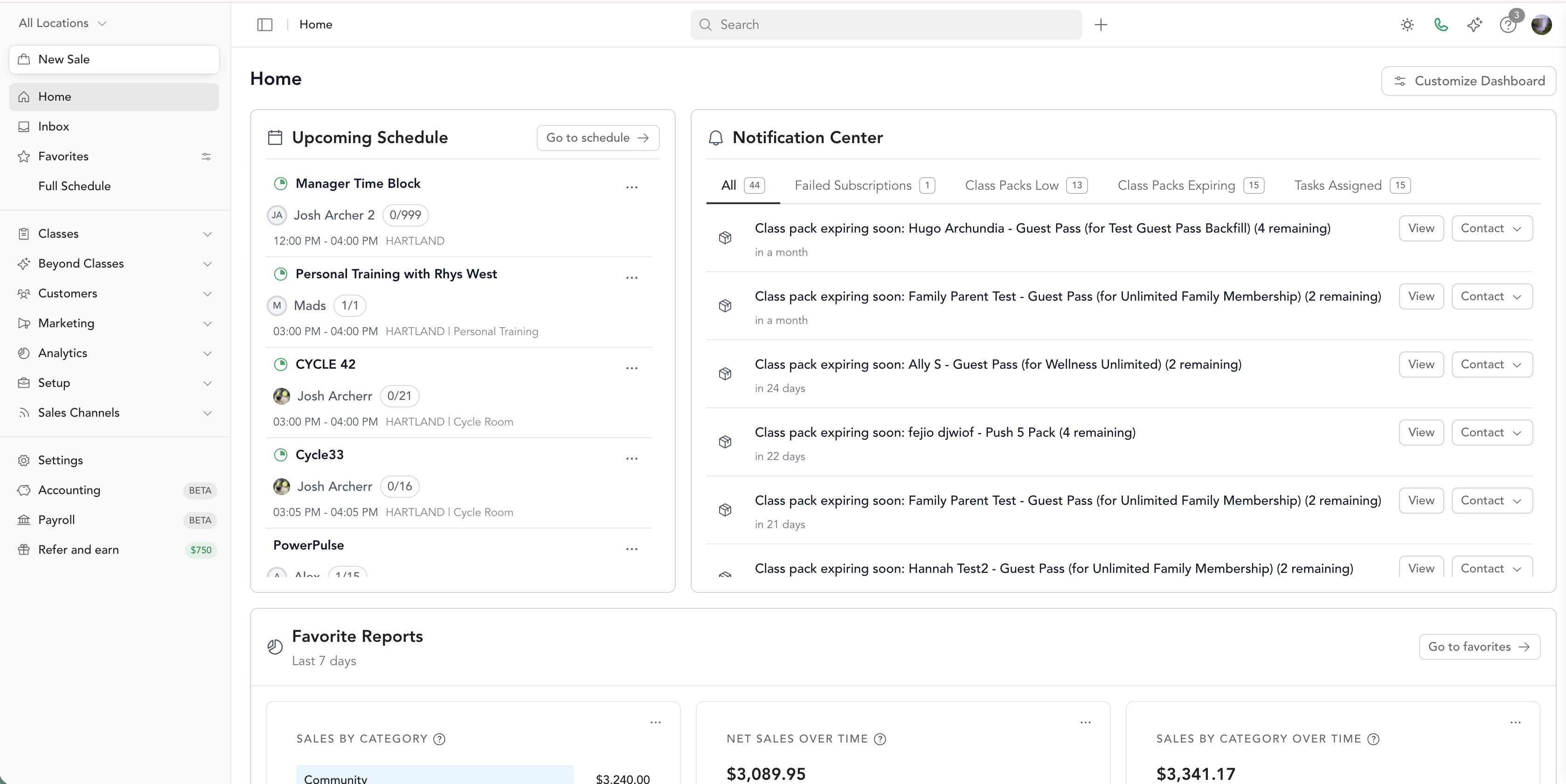
What Arketa can do for you
Schedule & booking
Add group classes, events, and private sessions. Manage your full schedule, check in clients, and handle waitlists.
On-demand video
Build a video library with categories, collections, and rentals. Host and monetize your content.
Client management
Manage client profiles, notes, waivers, bookings, and loyalty milestones all from one place.
Pricing & payments
Create drop-ins, class packages, memberships, intro offers, and more. Accept payments through Stripe.
Marketing
Send email and SMS broadcasts, build automations, manage leads, and track conversions.
Team & payroll
Add instructors, set permissions, track time, and run payroll reporting.
New to Arketa? Start here.
Connect Stripe
You need Stripe connected before you can accept any payments. This takes about 5 minutes. Connect Stripe →
Set up your business settings
Add your business name, logo, scheduling URL, cancellation policy, and liability waiver. Set up business settings →
Work through the launch checklist
The launch checklist walks you through every step — from adding your first class to sharing your page with clients. Launch checklist →
Already using another platform?
If you're moving to Arketa from another platform, check out Transferring clients to Arketa for a guide on migrating your client list and sending the right communications.
Connect AI assistants to Arketa
If you use AI tools like Claude, Cursor, or VS Code Copilot, you can connect them directly to this help center using the Arketa MCP server. Your AI assistant will be able to search all Arketa documentation and give you accurate, sourced answers about any feature.
MCP endpoint: https://help.arketa.com/mcp
Get help anytime
The fastest way to reach us is the chat bubble in the bottom-left corner of your dashboard. You can also email support@arketa.com.