
Pricing
Create and manage all your pricing options — classes, memberships, packages, and more.
Arketa gives you a full set of tools to price your services however makes sense for your business. Whether you sell single drop-ins, class packs, recurring memberships, or private session invoices, it all lives in one place.
Pricing types
Drop-in
One-time purchase for a single class or session.
Class package
A bundle of credits clients use to book classes over time.
Membership
Recurring subscription with unlimited or credit-based access.
Intro offer
A discounted first-time offer to convert new clients.
Bundle
A package that includes multiple service types or offerings.
Invoice
Custom billing for private clients or non-standard services.
Where pricing options live
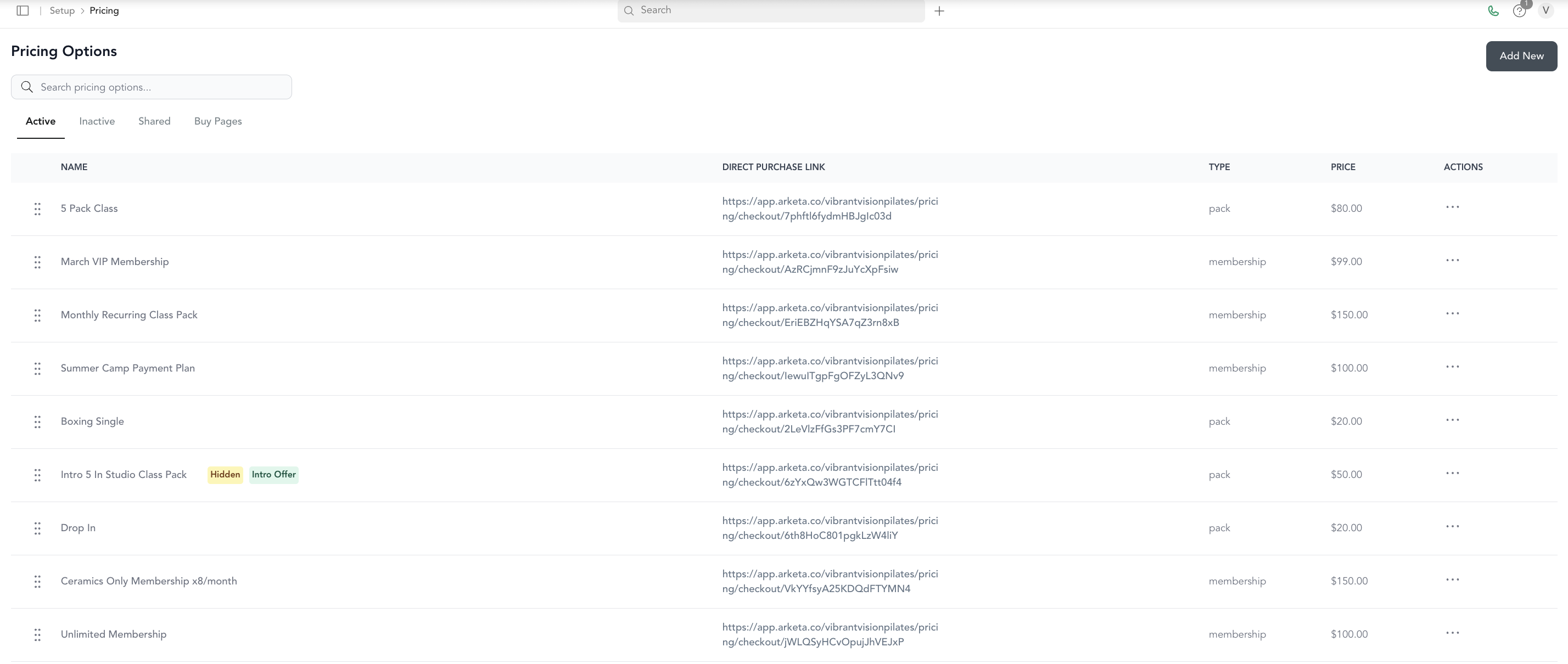
Go to Setup → Pricing Options to see all your pricing configurations. From here you can create new options, edit existing ones, share direct purchase links, and track active subscriptions.
Connecting pricing to classes
Pricing options need to be connected to service types (classes) before they work. When you create a class or service type, you select which pricing options are valid for booking it. Drop-ins, packages, and memberships all need this connection.
See pricing which option to help decide what pricing structure fits your business.