
Invoices
Send custom invoices for one-off or non-standard services.
Invoices are for billing situations that don't fit your standard pricing options — custom work, corporate packages, one-off project billing, or any time you need to charge a specific amount to a specific client or organization.
Create and send an invoice
-
Go to Setup → Pricing Options or from the client's profile
-
Click Add New → Invoice
-
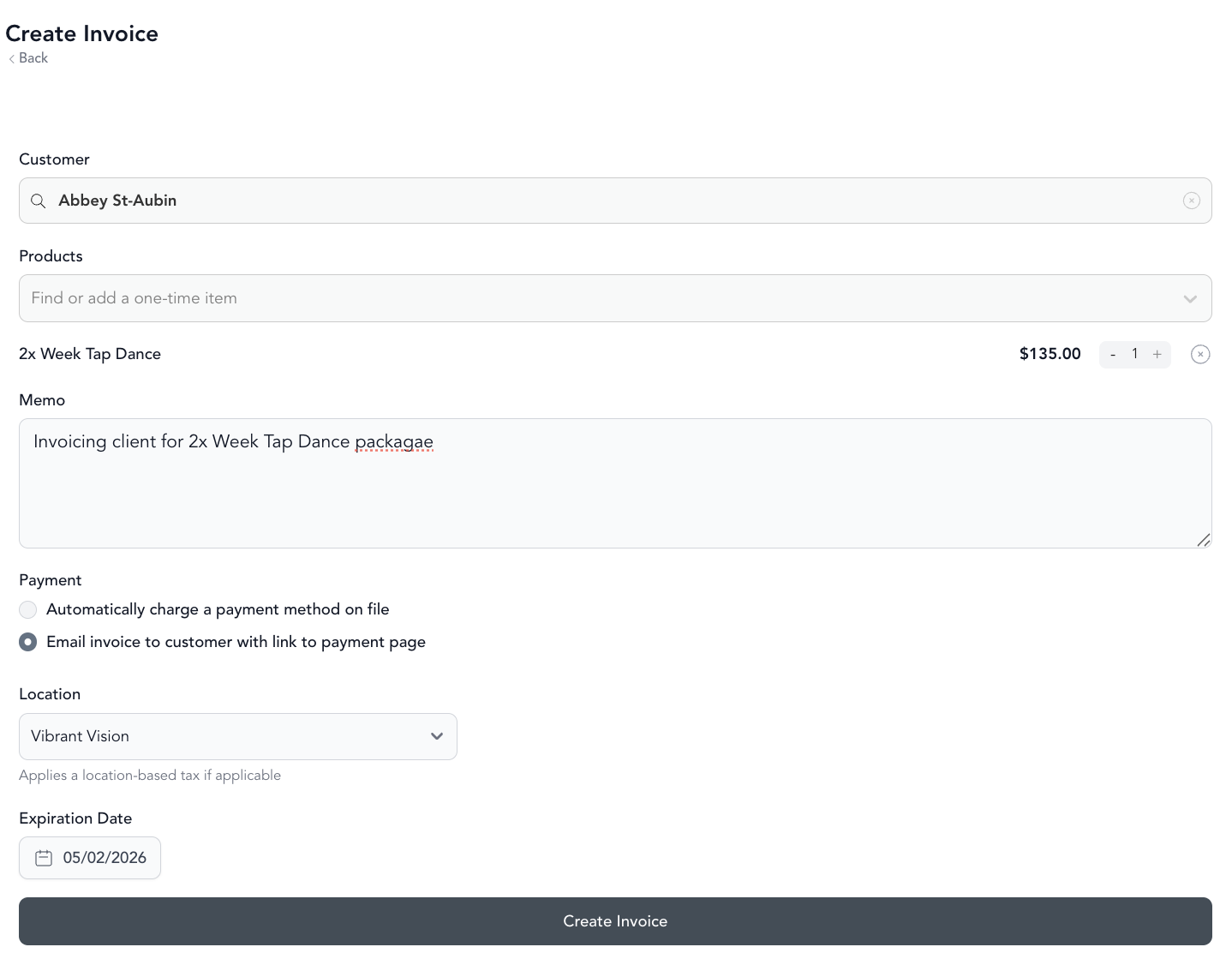
Fill in:
- Recipient — client name or email
- Line items — what you're charging for and the amounts
- Due date — when payment is expected
- Notes — any instructions for the client
-
Send the invoice
The client receives an email with the invoice and a link to pay by card.
Invoice vs. other pricing options
| Invoice | Class pack | Membership | |
|---|---|---|---|
| Set up once | No | Yes | Yes |
| Per-client custom billing | Yes | No | No |
| Auto-renews | No | No | Yes |
| Best for | Custom work, one-offs | Class access | Recurring clients |
Tracking invoice status
Invoices show a status — sent, viewed, paid, or overdue. You can view all outstanding invoices from your payment reports. See invoices for more on managing payment.
Cash or manual payment
If a client pays in cash or by check, you can manually mark the invoice as paid. See cash payments.
Was this helpful?