
Booking report
View all reservations for classes, videos, and community classes.
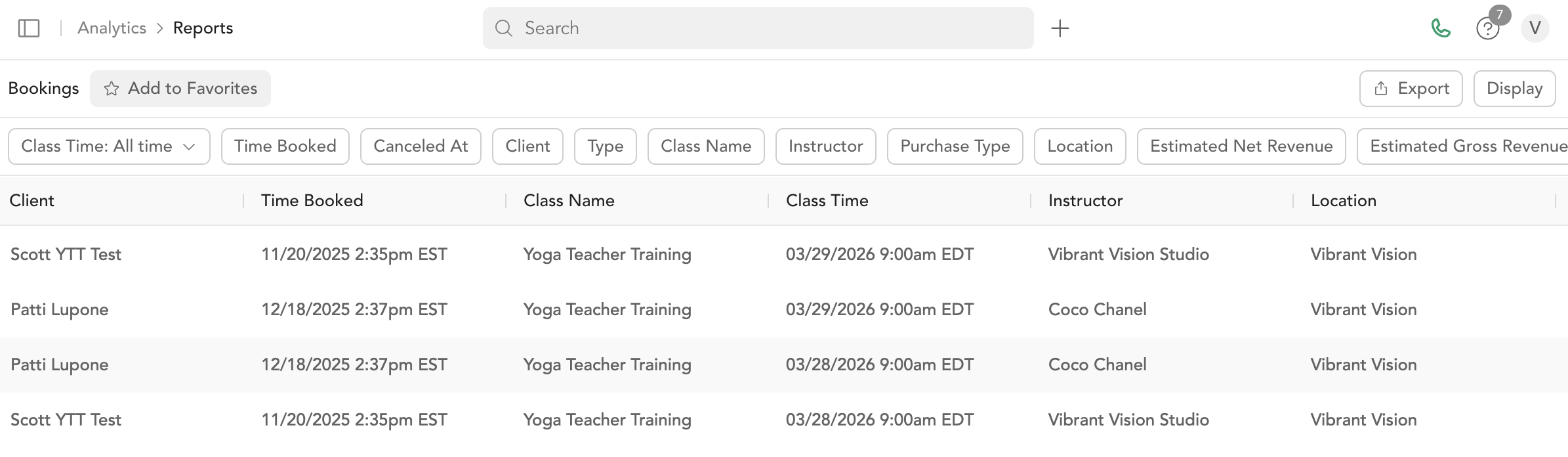
The Booking Report shows every reservation made in your system across group classes, on-demand videos, and community classes.
Data freshness
Reports are built from a separate reporting database that refreshes on a short delay, so a booking made in the last few minutes may not appear here yet. The class roster and the client's profile update immediately — check those first when you need to confirm a very recent booking, then re-run the report a little later to see it here.
Columns
| Column | Description |
|---|---|
| Customer | Client name |
| Date purchased | When the booking was made |
| Class name | Name of the class |
| Class time | Class start time |
| Instructor | Instructor who taught the class |
| Location name | Where the class took place |
| Client's email address | |
| Type | Booking type (unpaid, pack, subscription, etc.) |
| Purchase type | In-person or on-demand |
| Estimated net revenue | Projected revenue from this booking |
| Coupon code | Promo code used (if any) |
| Package name | Pricing option used |
| Payment method | Cash or card |
| Status | Booking status (checked in, pending, no-show, etc.) |
| Service type | Service type used for the booking |
| Booking ID | Unique ID for the reservation |
Filters
- Date range
- Customer name
- Service type
- Instructor
- Location
- Booking status
Export
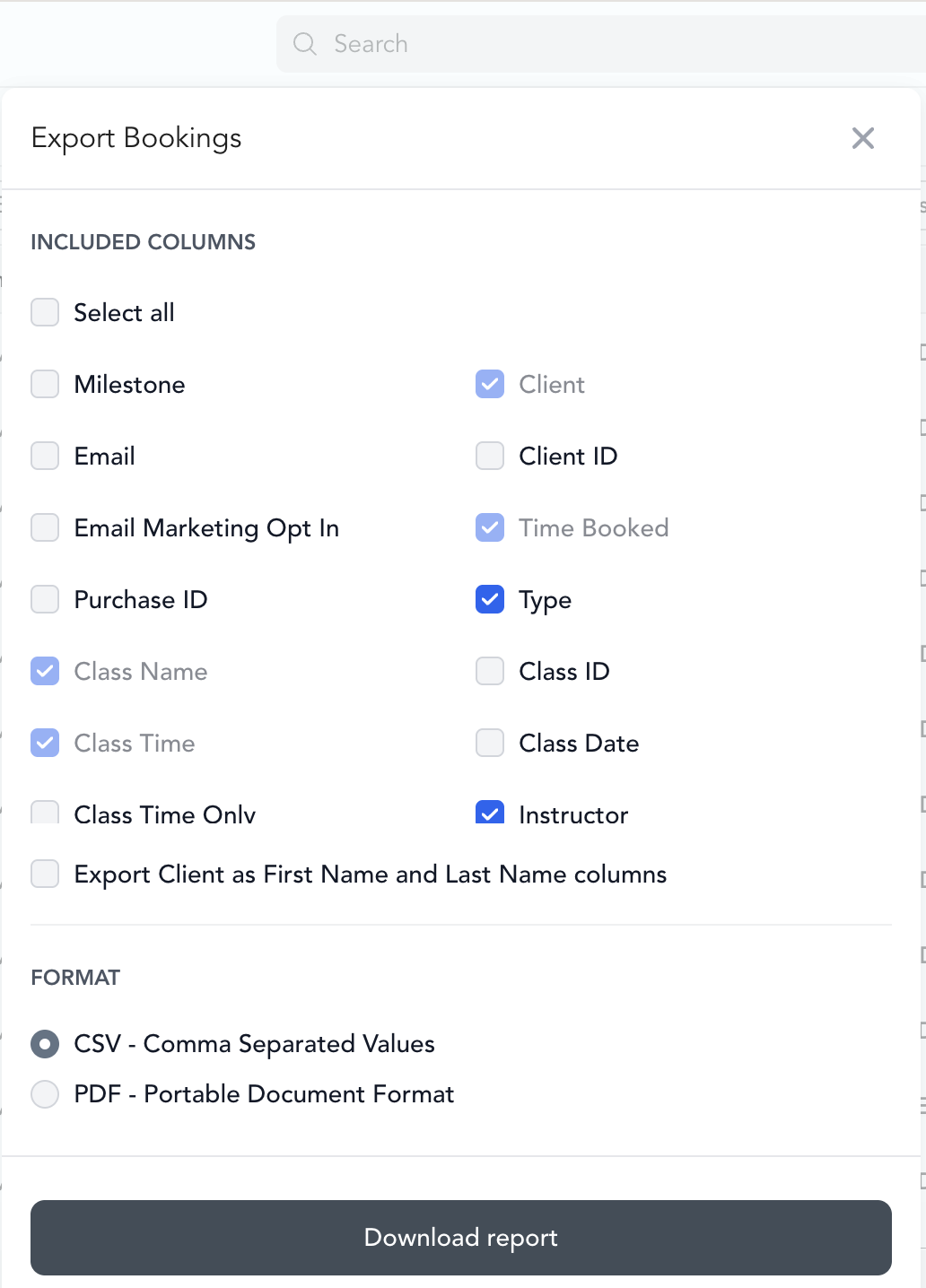
Click Export to download as CSV or PDF. For large date ranges, allow up to 5 minutes for the download.
Related reports
- Late Cancel / No-Show — see who canceled late or didn't attend
- Unpaid Bookings — see reservations that weren't paid
- Check-Ins — see all checked-in attendance
Was this helpful?