
Late cancel / no-show report
See clients who canceled after the window or didn't attend, and charge or waive fees.
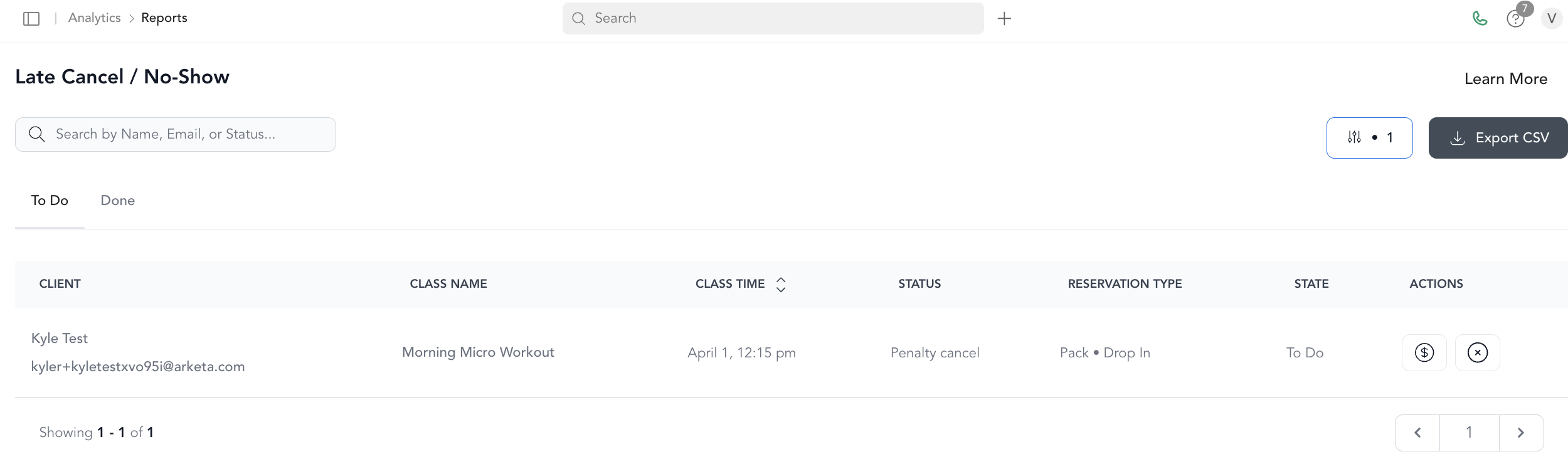
The Late Cancel / No-Show report lists every instance where a client either canceled after your cancellation window or had a reservation and didn't show up.
Columns
| Column | Description |
|---|---|
| Student name | Client's name |
| Student email | Client's email |
| Class name | Class the client missed or late canceled |
| Class time | Class start time |
| Status | Whether the fee has been applied |
| Reservation type | Pricing option used (subscription, pack, etc.) |
| State | Whether the client has been charged |
Actions from this report
| Action | What it does |
|---|---|
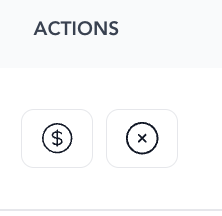
| $ (charge) | Charges the client the late cancel / no-show fee per your policy |
| × (waive) | Waives the fee for this instance |
You can act on individual occurrences directly from this report — no need to go to the client's profile.
Export
Click Export CSV to download the report.
Related
- To configure late cancel fees and windows, see late cancel automated fees
- To see all unpaid reservations, see unpaid bookings
Was this helpful?