
Appointments
Manage private sessions, 1-on-1 bookings, and appointment-based services in Arketa.
Appointments are how you handle private or individual sessions — personal training, private yoga, consultations, assessments, or any service where clients book time with a specific instructor or staff member.
Unlike group classes, appointments use an availability-based calendar. Clients see your open slots based on when you (and your rooms or staff) are available.
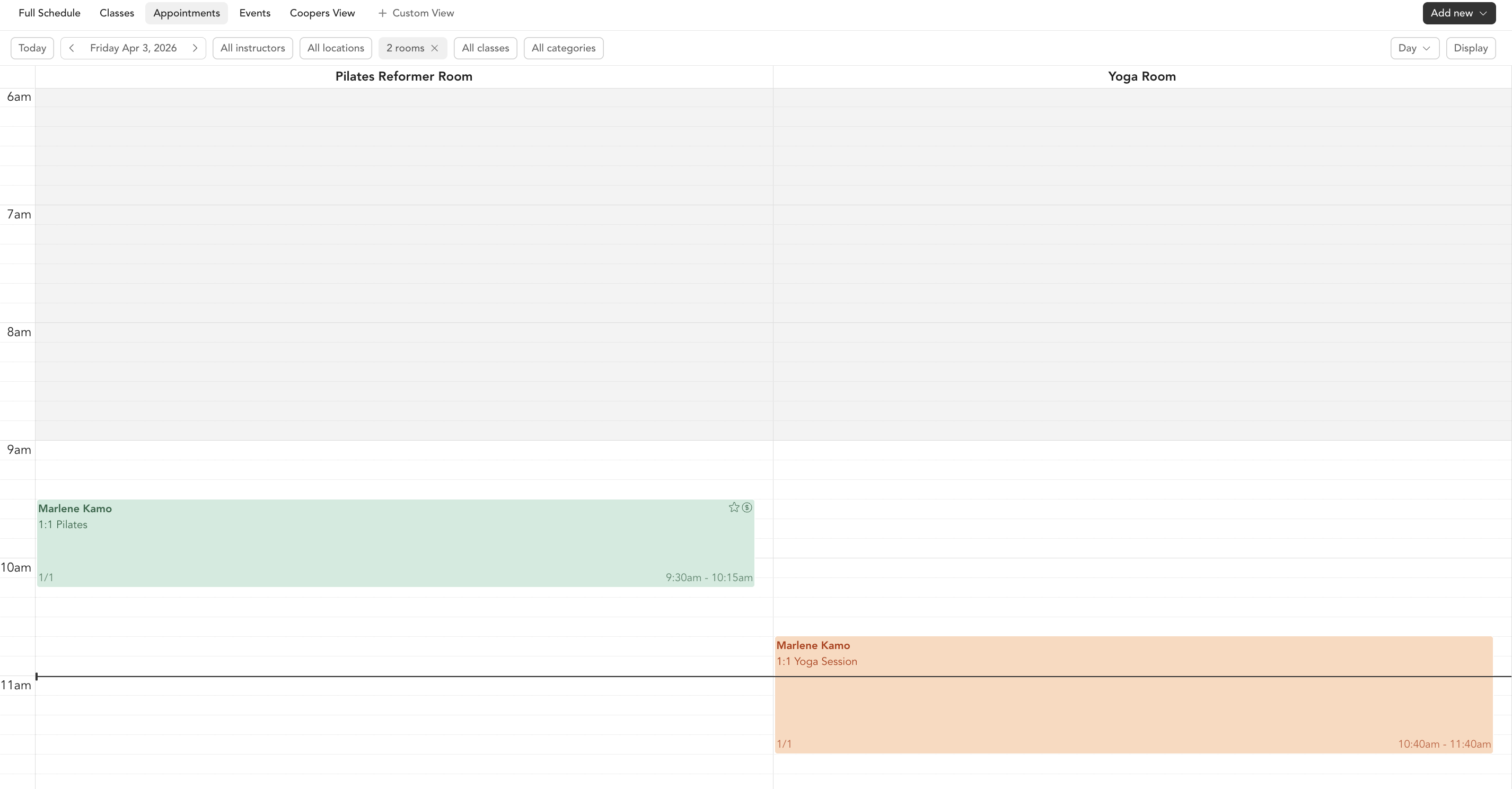
How appointments work
- You create a service type for each type of appointment you offer (e.g., "60-min Personal Training", "Discovery Call")
- You set up availability — your hours, which days you're bookable, and any time increments
- Clients visit your booking link or your embedded calendar, see your available times, and book
- The appointment appears on your calendar in the dashboard
What you can manage
Services
Create the different types of appointments you offer, with pricing and duration.
Availability
Set your hours, add date overrides, block time, and configure room availability.
Calendar
View and manage all appointments, edit bookings, and add session notes.
Sharing
Share your booking link or embed your scheduler directly on your website.
Appointments vs. classes
| Group classes | Appointments | |
|---|---|---|
| Booking type | Fixed schedule | Based on your availability |
| Capacity | Multiple clients | Typically 1 client |
| Payment timing | At booking | At booking or at session |
| Scheduling | You add the class | Client picks from your open slots |