
Share your booking link
Give clients a direct link to book appointments, or embed your availability on your website.
Once your availability is set up, share your booking link so clients can see your open slots and book directly.
Your appointments booking link
- Go to Setup → Service Types
- Click Share booking link in the upper right corner
- Copy the link and share it wherever clients will find it — your website, emails, Instagram bio, etc.

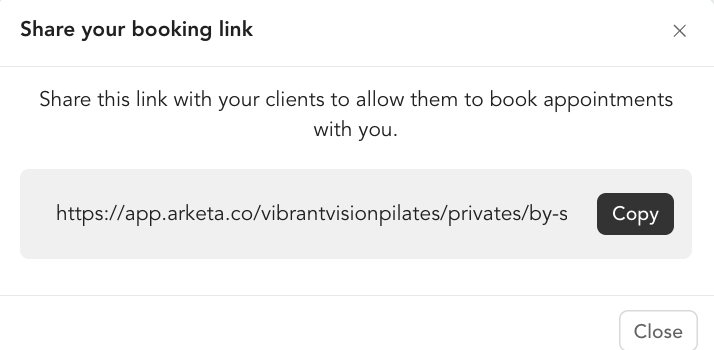
This link shows your full appointment availability across all service types and instructors.
Embed appointment booking on your website
To add the appointment scheduler directly to a page on your site:
- Go to Sales Channels → Website Integration
- Copy the embed code for the Calendar Availability widget
- Paste it into your website builder
This embeds a scheduler that pulls your live availability in real time — clients see open slots and book without leaving your site.
Share an individual instructor's availability
If clients should book with a specific instructor rather than choosing from all:
- Go to Setup → Team
- Find the team member
- Click Share links
- Copy the Private Availability Direct Link or use the embed code
This is useful for multi-instructor studios where clients have an assigned trainer or therapist.
What clients see
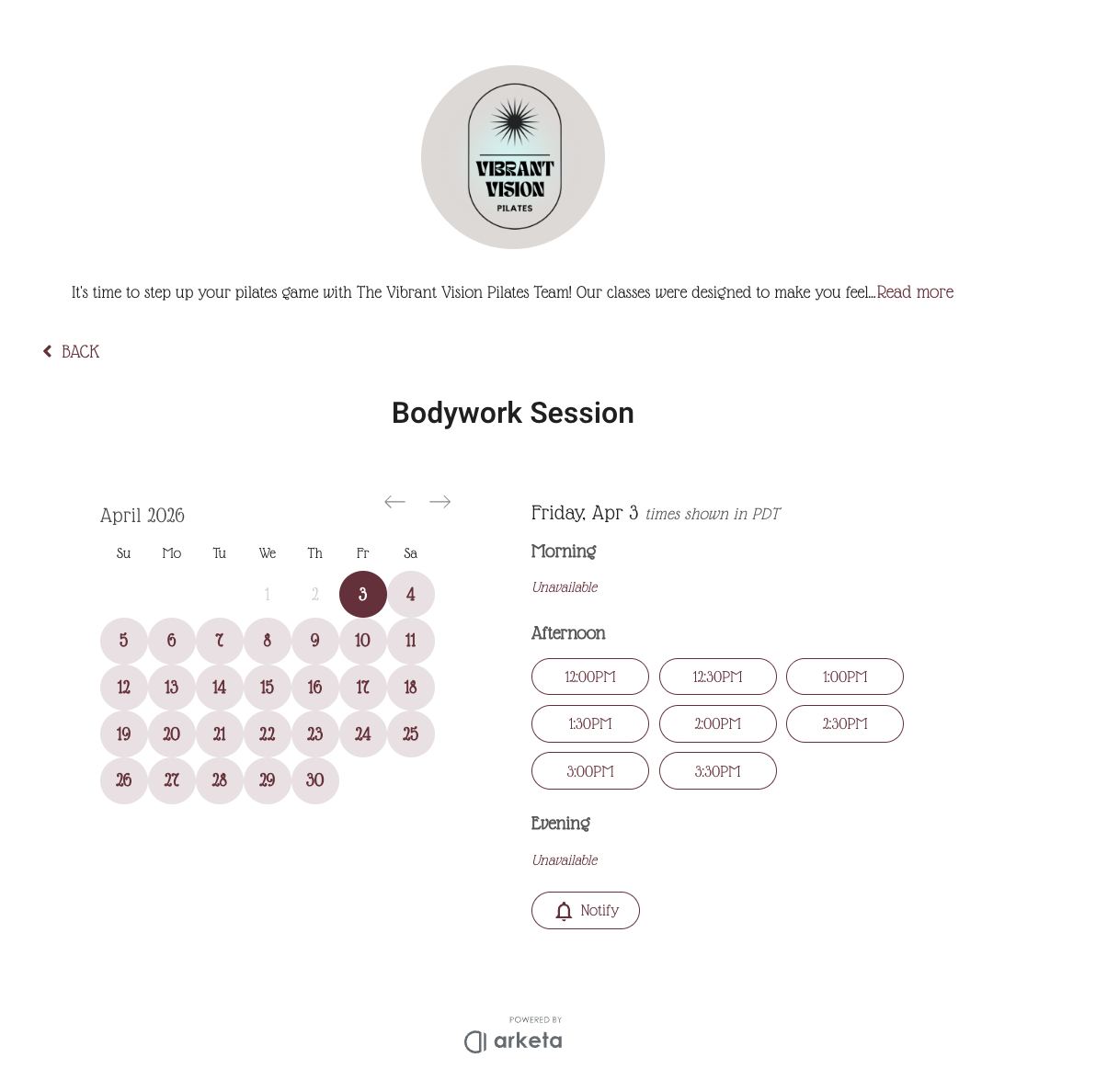
When a client opens your booking link or embedded scheduler, they:
- Choose a service type (if you offer multiple)
- See available time slots based on your availability settings
- Select a time and complete payment
- Receive a confirmation email
Was this helpful?