
Branded mobile app
Offer clients a custom-branded iOS and Android app for your studio.
The branded app is a white-label mobile app published under your studio's name. iPhone clients download it from the App Store by name, and Android clients install it from your studio's download link. It's yours, not Arketa's.
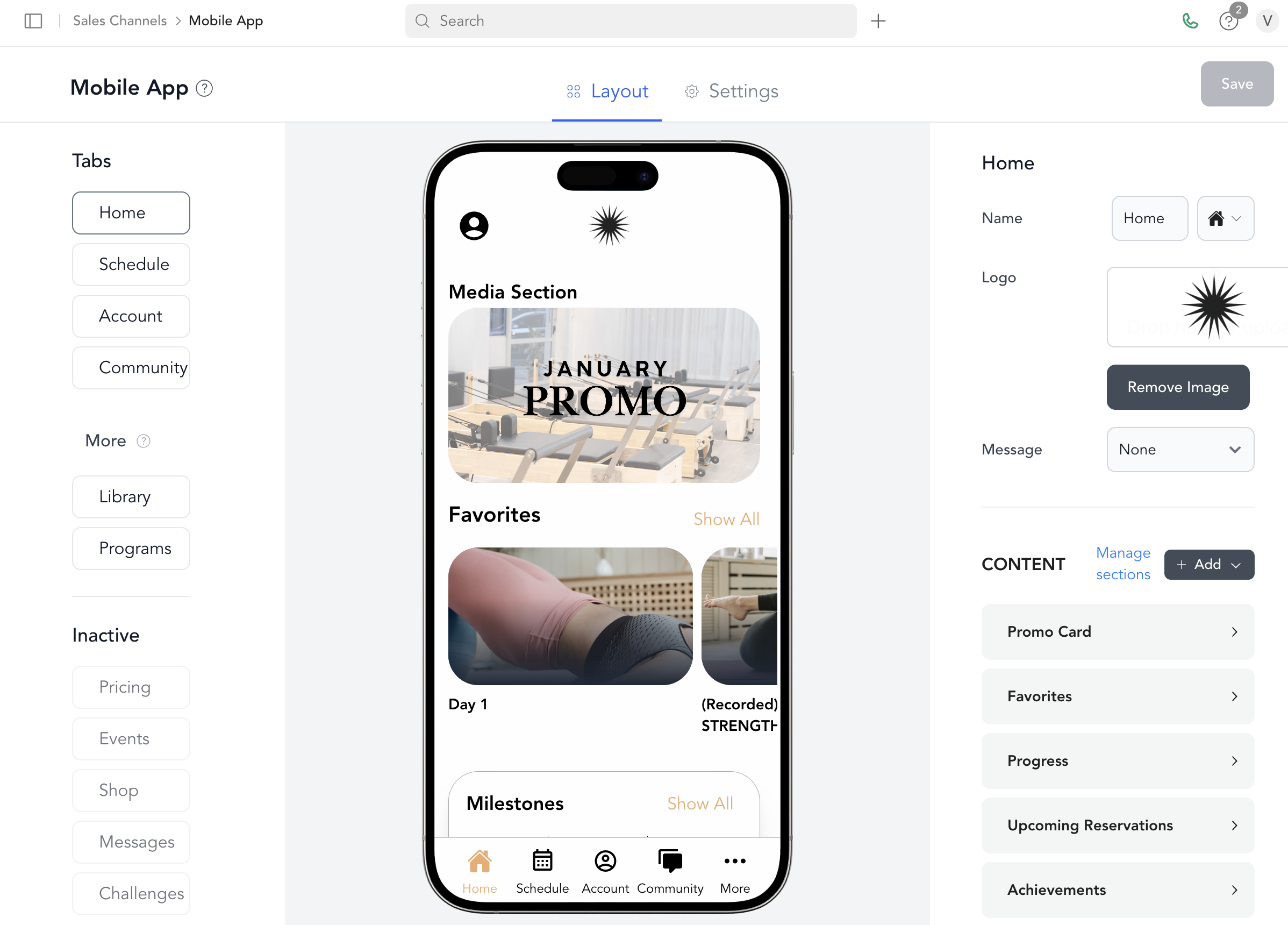
The branded mobile app is a separate add-on product. Contact Arketa support or book a demo from Sales Channels → Mobile App to get started.
What the app includes
- Schedule (group classes, appointments, events)
- On-demand video library
- Communities / programs
- Retail shop
- Client account management
- Bulletin board
- Promo cards on the home screen
Tab options
| Tab | What it shows |
|---|---|
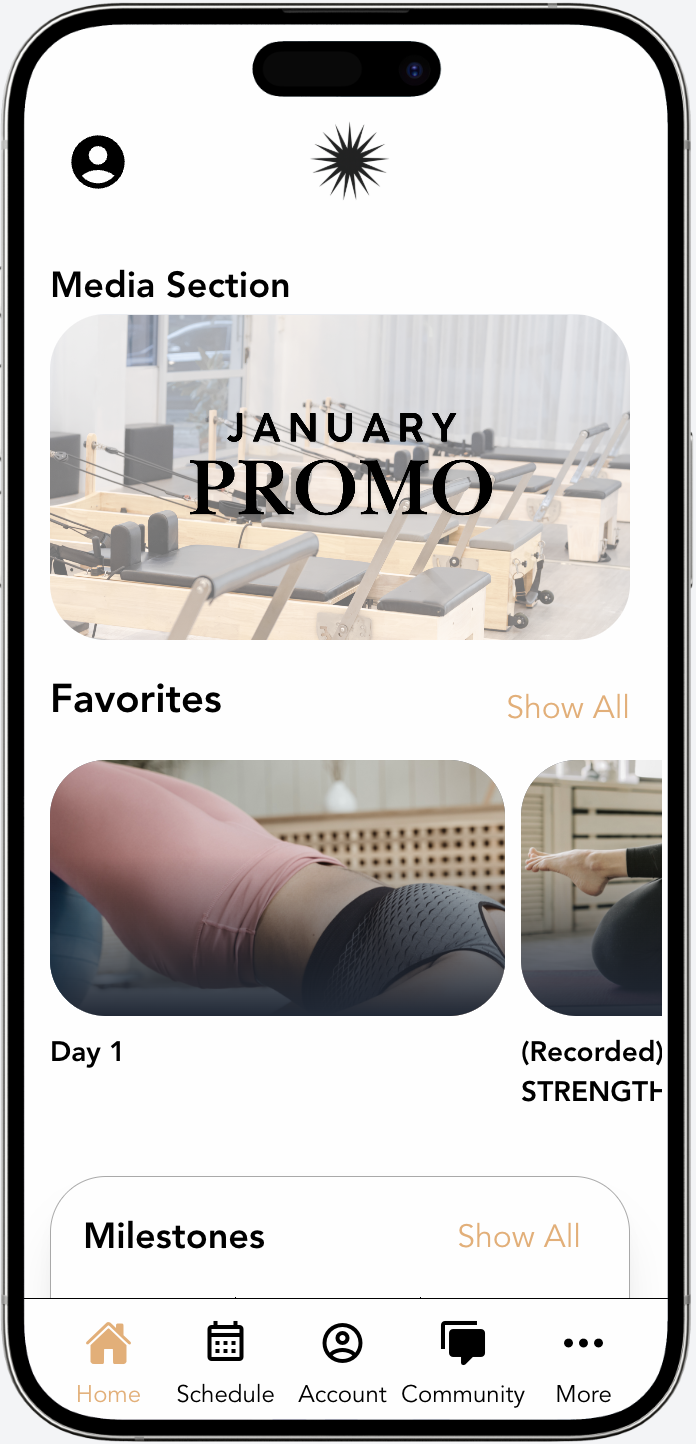
| Home | Customizable home page with sections: milestones, promo card, upcoming reservations, top-rated videos, favorites, recently added |
| Schedule | Class schedule — configure which types (group classes, appointments, events) |
| Library | On-demand video library |
| Programs | Active communities |
| Community | Bulletin board posts |
| Account | Client account info |
| Pricing | Pricing options |
| Shop | Retail products |
| Events | Upcoming events |
| Messages | Messages between clients and your studio |
| Challenges | Challenges clients can join |
If you turn on more tabs than fit in the tab bar, the extras appear under a More tab.
Share your app download links
Once your app is live, promote it so clients can find and install it.
- iOS — search your studio's name in the App Store and copy the listing URL.
- Android — copy the link from Sales Channels → Mobile App → Android app download. It appears once your Android build is published.
- Add both links to your website — as text or as an App Store badge plus the Android link, so every client can install the app.
- Create a QR code — paste a download link into any QR code generator, then use the code in emails, signage, or social posts.
- Build a pop-up — promote downloads on your branded website with a pop-up.
Getting started
See build your app to configure your tabs and content, and design for image and branding specifications.
Was this helpful?