
Failed Payments report
See all failed payment attempts, primarily from subscription billing.
The Failed Payments report shows every payment attempt that didn't succeed — typically subscription renewal failures.

Columns
Same structure as All Payments, filtered to failed/incomplete statuses:
Amount, Status, Date, Description, Customer, Location, Email, Category, Payment ID, Currency, Net Sales, Seller Name, Transaction Fees.
Using this report
Use the Failed Payments report to:
- Identify clients with outstanding subscription failures
- Reach out to clients with outdated payment methods
- Understand failure patterns (e.g., spikes after a card expiry period)
Resolving failed payments
From the client's profile or the subscription failures page:
- Find the client with the failed payment
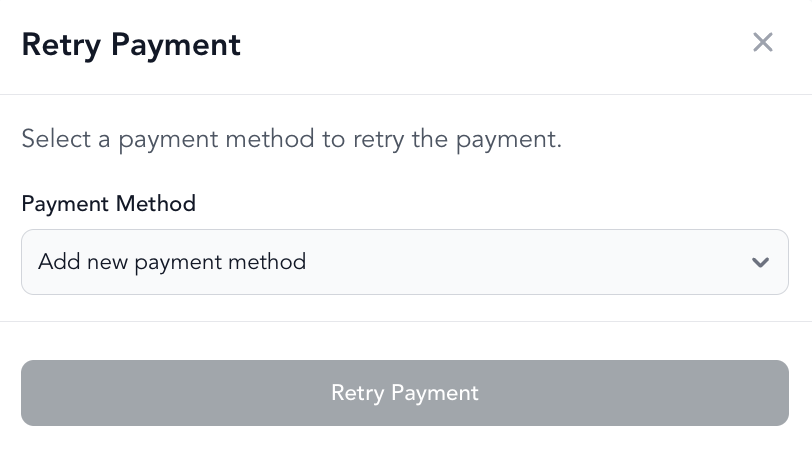
- Retry the payment or update their card
- Send them an invoice payment link from the client profile (Send invoice) if needed — or use Send payment links from POS for an in-progress sale
See failed payments and subscription payment failures for full resolution steps.
Was this helpful?