
Two-way texting
Send and receive text messages with clients directly from your Arketa dashboard.
Two-way texting lets you have real SMS conversations with clients from your Arketa inbox — not from your personal phone. All messages are tied to the client's profile and thread alongside their booking and purchase history.
Two-way texting is part of the Marketing Suite add-on. Contact Arketa support to enable it.
Set up your texting number
-
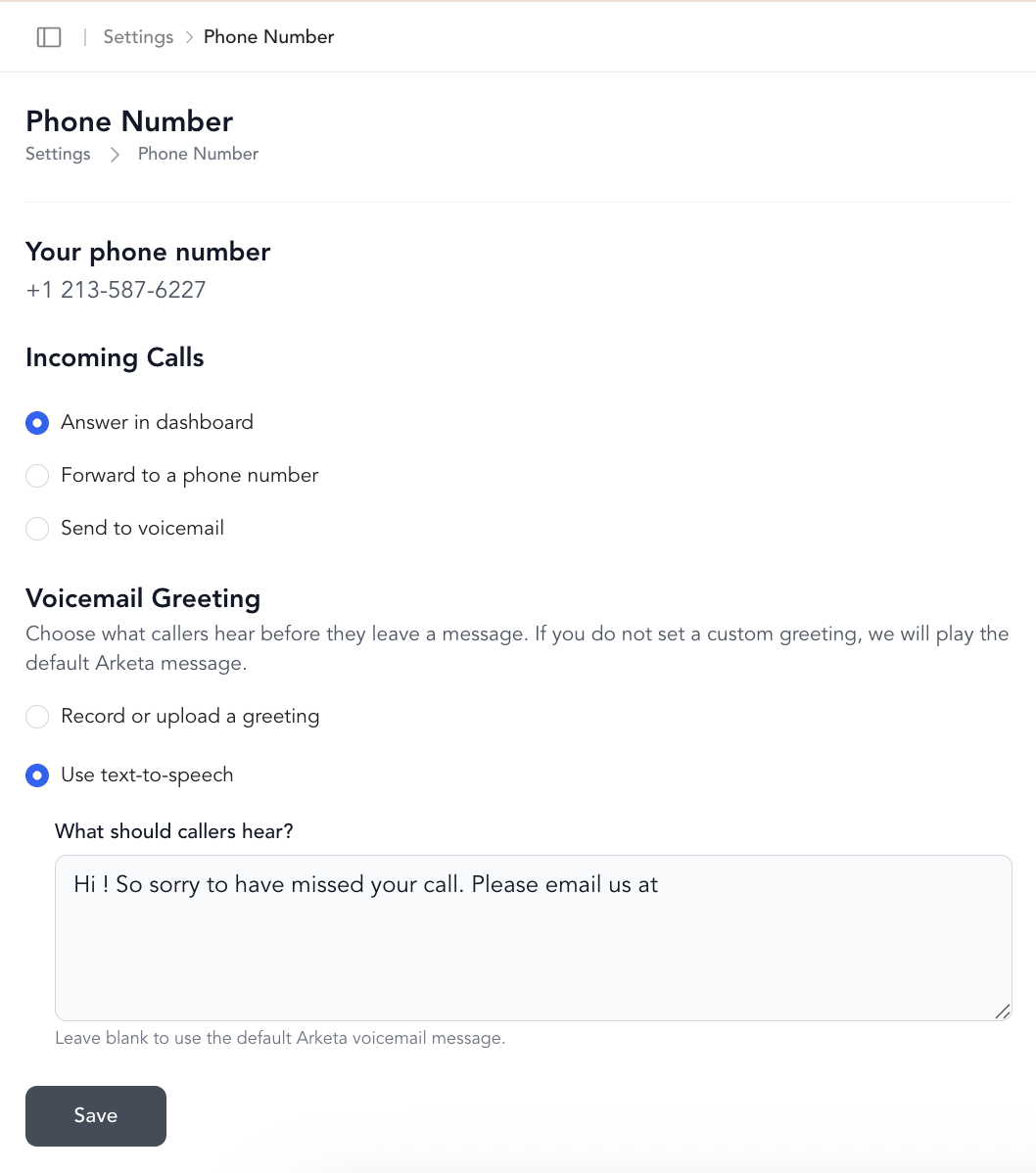
Go to Settings → Phone
-
Select an available phone number with your preferred area code
-
Choose what happens when someone calls your texting number:
- Forward to another number — calls route to your studio or personal phone (shows as "Unknown" on your end) - Play a pre-recorded message — record a custom greeting - Play a default message — Arketa's default voicemail
Send a message
From any client's profile or the Inbox:
- Open the client's conversation thread
- Type your message and send
Messages send as SMS from your Arketa phone number.
Inbox features
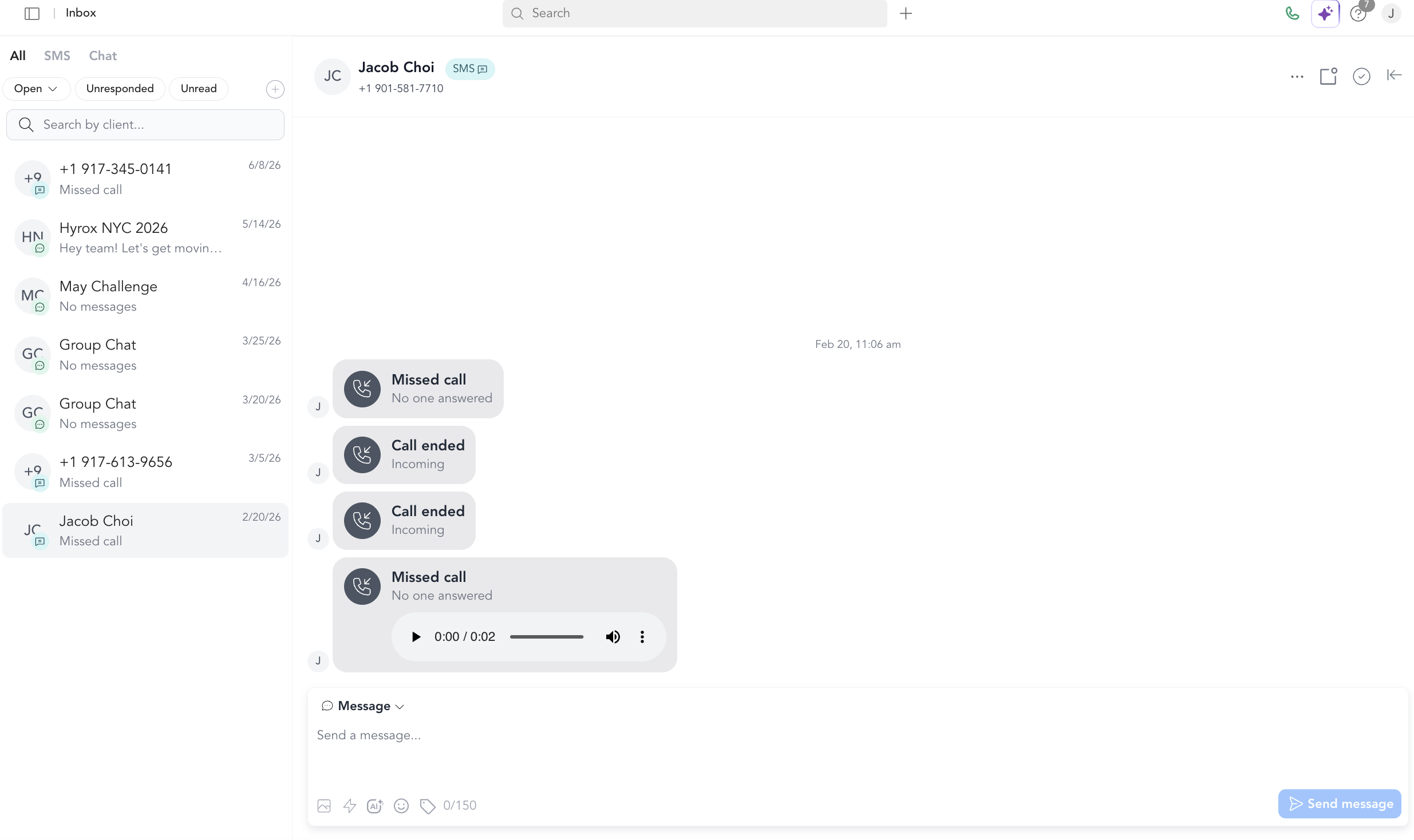
Quick replies — Pre-written responses you can send with one click. Great for FAQs, booking confirmations, or common questions. To set one up:
- In the Inbox, open a thread, tap the ⚡ icon, and click +
- Or go to Settings → Communications → Quick Replies → Add Quick Reply
Emojis — Add emoji to messages directly in the compose field.
Images — Attach and send images in conversations.
AI drafts — Use built-in AI to draft responses. The AI suggests a reply based on the conversation context — edit before sending.
Group messaging
Group messaging lets you send one thread to several clients at once, straight from the dashboard Inbox or the Business App. The dashboard Inbox mirrors the Business App, so group messaging works the same way in both places.
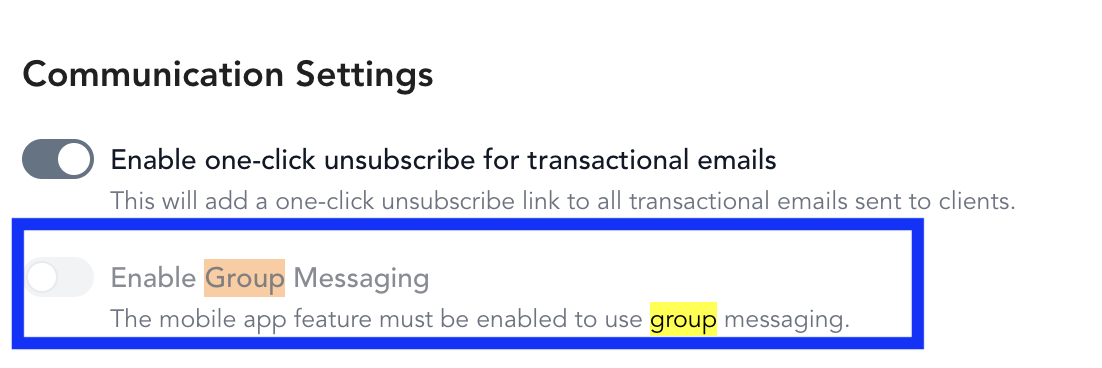
Group messaging requires the Custom Mobile (branded app) add-on plus the Marketing Suite. Turn it on with the Enable Group Messaging toggle in Settings → Business → General. If you don't have these add-ons, contact Arketa support.
Only the business can create and manage group chats. Clients can participate but can't create or manage them — group messaging appears in the Business App (for you) and the custom mobile app (for clients).
Create a group chat in the dashboard
Open the Inbox
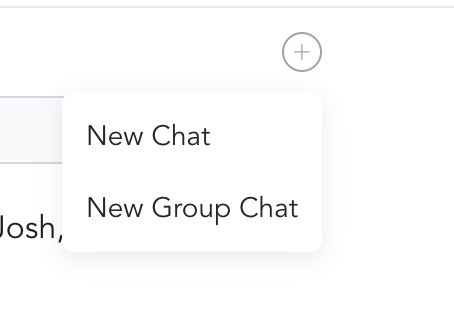
Go to Inbox and click the + button.
Choose New Group Chat
Select New Group Chat.
Add participants
Add the clients you want to include in the thread.
Name the chat and add a photo
Give the chat a name and add a photo so it's easy to recognize.
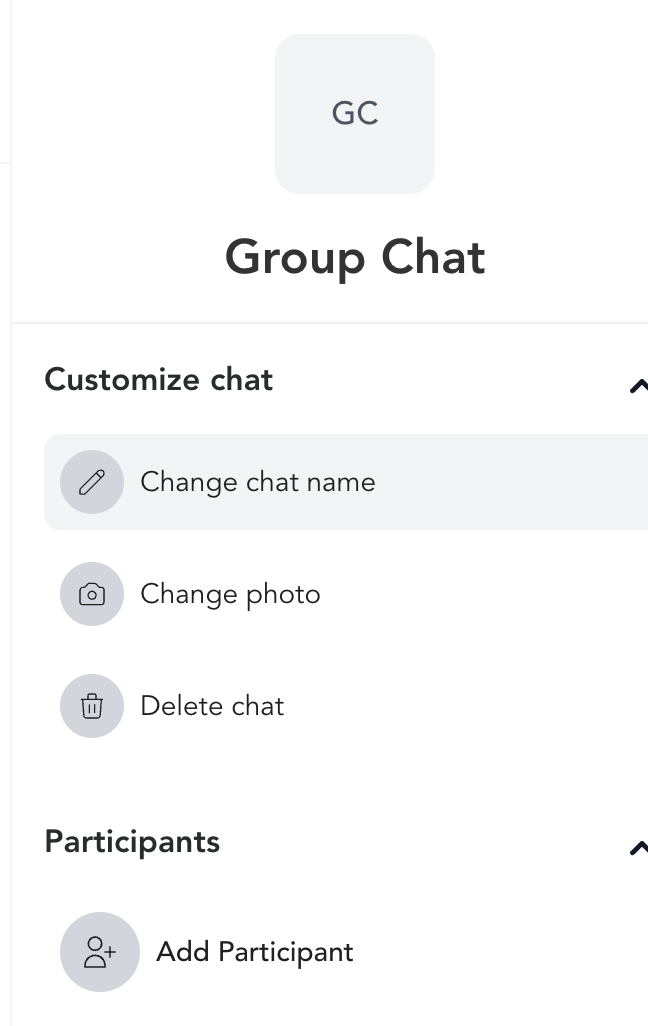
Create a group chat in the Business App
Use the same flow from the app's Inbox. Because the dashboard Inbox and Business App mirror each other, the steps are identical — tap +, choose New Group Chat, add participants, then name the chat and add a photo.
What clients see
Clients receive your messages as regular SMS texts. They can reply, and their response appears in your Arketa Inbox — all in one thread per client.
SMS conversations in the Inbox are separate from marketing broadcasts. Inbox messages don't appear in the client timeline. Marketing SMS opt-outs (STOP replies) don't affect your ability to send transactional or direct messages — but you should honor opt-out requests from clients who message you directly.