
Edit or delete a class
How to update, delete, or restore individual classes or entire recurring series.
Edit a single class
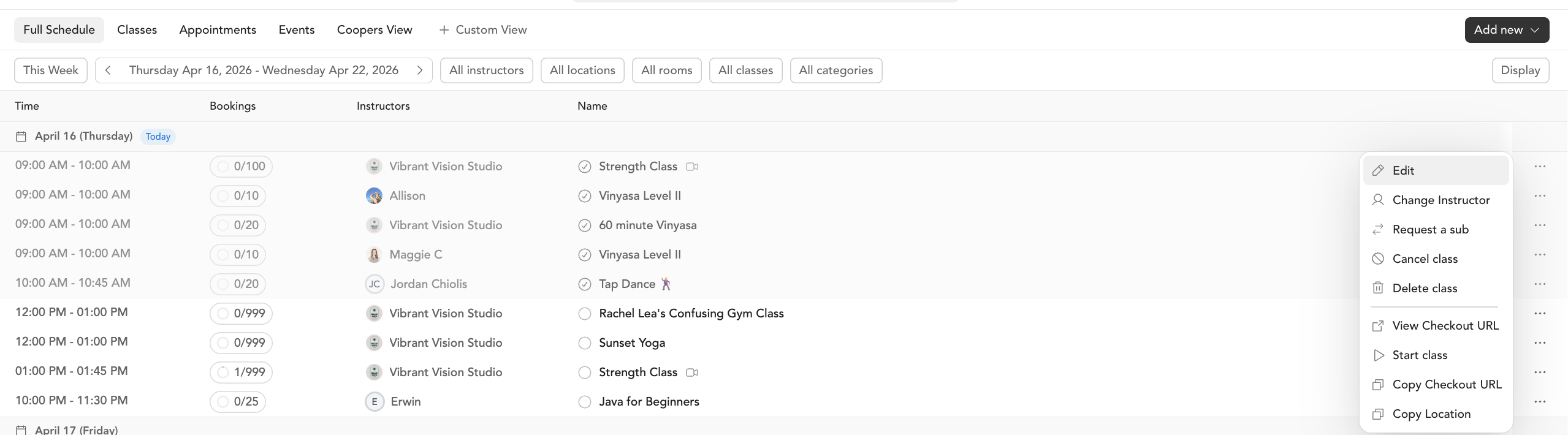
- Go to Classes → Full Schedule
- Find the class and click the pencil icon (or open the class and click Edit)
- Make your changes and click Save Changes
Editing a single class only updates that instance. If you want to update all future classes in a recurring series (e.g., change the time for all Monday classes), do that from Setup → Service Types instead. Manage a recurring series →
When you update a class, clients are notified if you change:
- The Zoom/livestream link or location
- Any other detail that affects how they attend
Delete a class
Deleting a class does not automatically notify enrolled clients. If clients are signed up, cancel the class instead — cancellations do send notifications.
- Go to Classes → Full Schedule and find the class
- Click Delete Class
- Choose whether to refund enrolled clients
- Type DELETE to confirm, then click Confirm and Delete
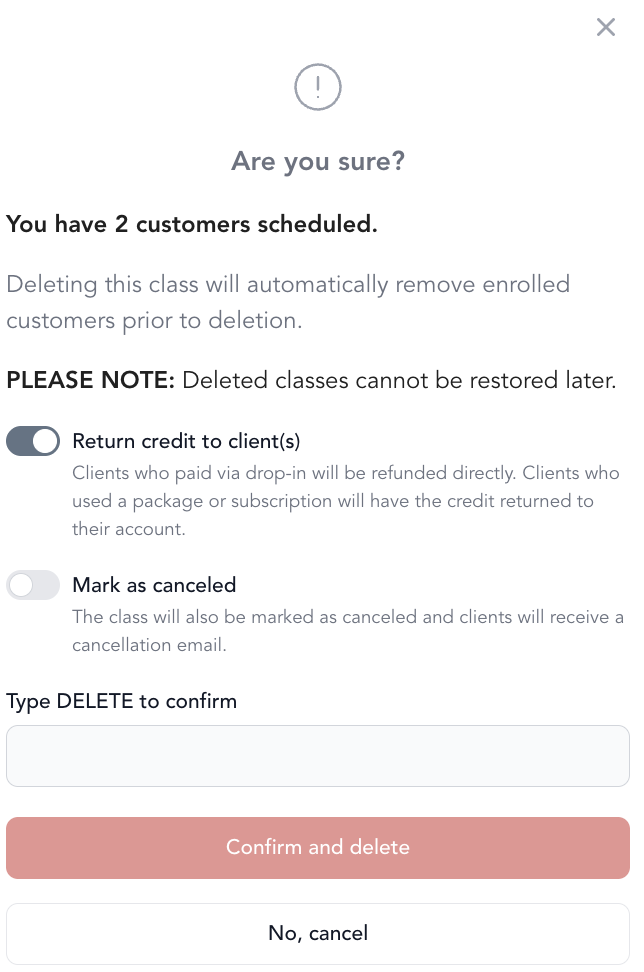
Deleting one session of a recurring series only removes that date, and it stays removed. Arketa will not recreate it the next time the series builds out further, so the series keeps running on every other date while that one stays empty. To bring it back, use Restore a deleted class below rather than adding a new class.
To bulk delete classes in a recurring series:
- Go to Setup → Service Types
- Click into the service type
- Select the recurring series
- Check the classes you want to delete (or select all)
- Click Delete Selected and confirm
Cancel a class (recommended when clients are enrolled)
Cancelling is the right choice when clients have already signed up — they'll receive an email notification.
- Go to Full Schedule and find the class
- Click Cancel Class
- Optionally add a note to clients explaining the cancellation
- Choose whether to refund enrolled clients
- Confirm
More detail on cancelling classes →
Restore a deleted class
Deleted classes can be recovered:
- Go to Classes → Classes tab
- In the page URL, add
&deleted=allat the end and press Enter - Deleted classes will appear in the list
- Find the class and click … → Restore

