
Successful Payments report
All successful payment transactions in one view.
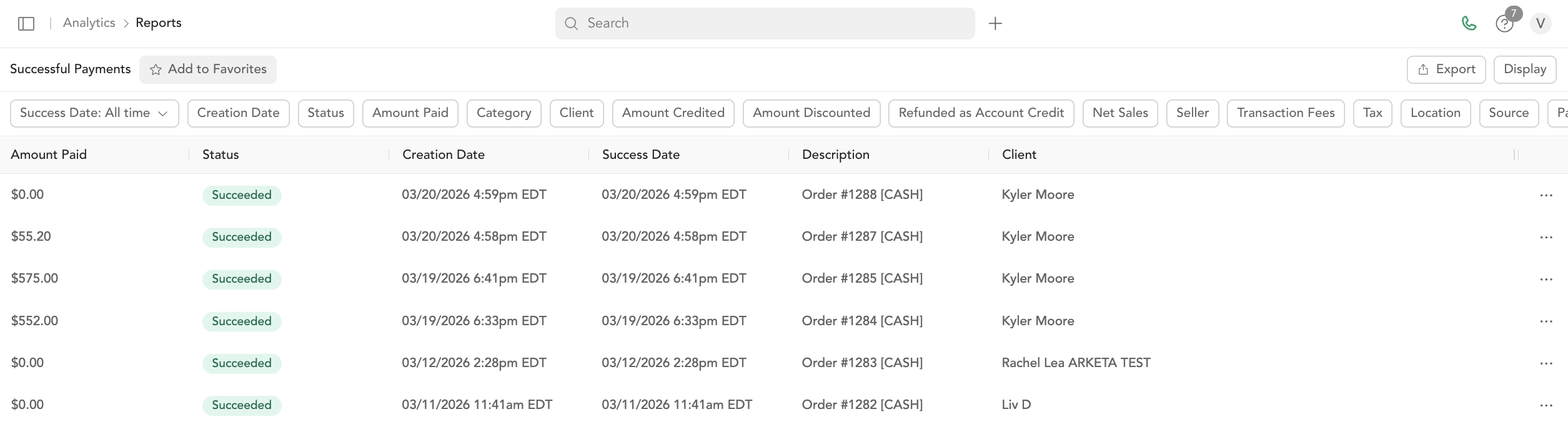
The Successful Payments report shows all successful payments — no failed, refunded, or disputed transactions. Use it to see what your business actually collected.
Columns
Same structure as All Payments, but filtered to show only succeeded transactions:
Amount, Status, Date, Description, Customer, Location, Email, Category, Payment ID, Currency, Total Refunded, Net Sales, Seller Name, Transaction Fees, Estimated Stripe Fees.
Filters
Date range, customer, category, seller, location, and amount ranges.
Understanding net sales
Net sales = total paid by client minus returns (refunds). It doesn't subtract Stripe fees or Arketa fees — those appear in your accounting report.
Was this helpful?