
Payment statuses
What each payment status means in Arketa's payment reports.
Every transaction in Arketa has a status. Here's what each one means.
| Status | What it means |
|---|---|
| Succeeded | Payment was processed and collected successfully |
| Processing | Payment is in progress — typical for ACH/bank transfers (5-10 business days) |
| Requires action | Client needs to complete 3D Secure authentication or another verification step |
| Requires payment method | No valid payment method on file — client needs to add one |
| Requires confirmation | Payment initiated but awaiting confirmation from the payment processor |
| Requires capture | Payment authorized but not yet captured (uncommon in standard flows) |
| Incomplete | Payment started but not finished |
| Failed | Payment was attempted and declined |
| Refunded | Full refund was issued |
| Partial refund | A portion of the payment was refunded |
| Disputed | Client disputed the charge with their bank |
| Canceled | Transaction was voided before completion |
| Needs response | A dispute is open and requires your response |
Where to see payment statuses
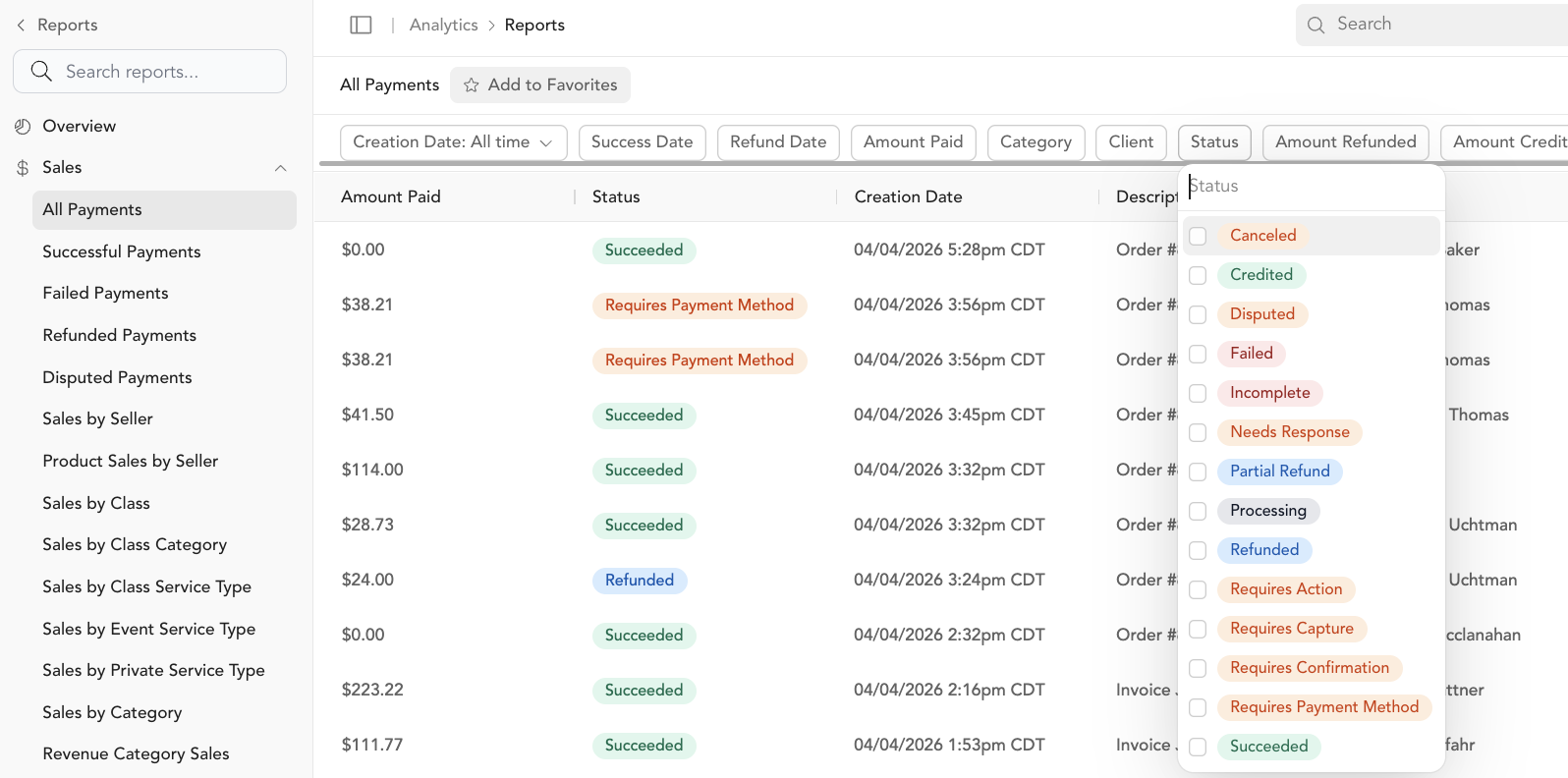
Go to Reporting → All Payments to see all transactions with their statuses. You can filter by status to find failed payments, disputes, or any other specific status.
Acting on failed payments
See failed payments for how to retry a payment or update a client's payment method.
Acting on disputes
See disputes for how to respond to a chargeback.
Was this helpful?