
Include community in a membership
Unlock community access automatically for active subscription members.
You can include community access as a benefit of a membership subscription — so active members get access without purchasing separately.
Set up
- Go to Setup → Pricing
- Click Edit next to the subscription
- Click Advanced Settings
- Under Includes Communities, select the community
- Click Save Changes
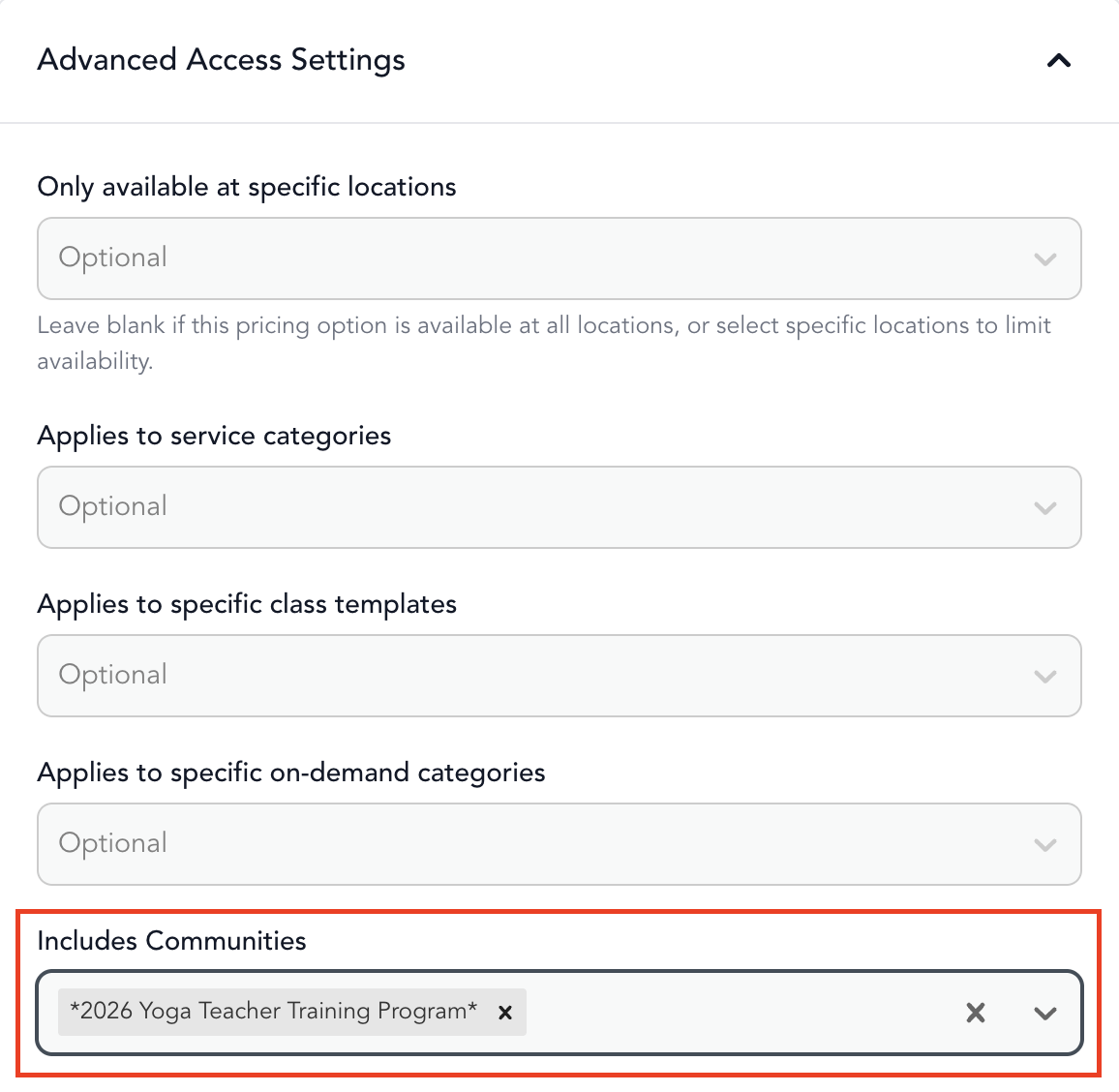
Any client with an active subscription automatically gets access to the community. When their subscription expires or is canceled, access is removed.
Use cases
- Membership community — all members get access to a private video library or forum
- Bonus content — include a digital program as a perk of your premium tier
- Weekly content drops — gate access to new on-demand videos behind a membership
Selling the community separately
The same community can be available for purchase as a standalone product and included in a membership simultaneously. Clients who don't have a membership can buy it directly; members get it included.
See community pricing for how to create a purchase option.
Was this helpful?