
Arketa website builder
Build and launch a studio website powered by Arketa's built-in website builder.
Arketa includes a website builder that lets you create a professional studio website without needing a separate tool. Your schedule, on-demand library, pricing, and communities can all be embedded directly into it.
What the website builder includes
- Drag-and-drop page editor
- Copy/Paste Arketa widget embeds (schedule, pricing, on-demand, communities)
- Blog capability
- Analytics (traffic, page views, user behavior, referral sources)
- Custom domain support
- SSL/HTTPS
Access the website builder
Go to Sales Channels → Branded Website in your dashboard and click Edit site. If you don't have a site yet, pick a template first.
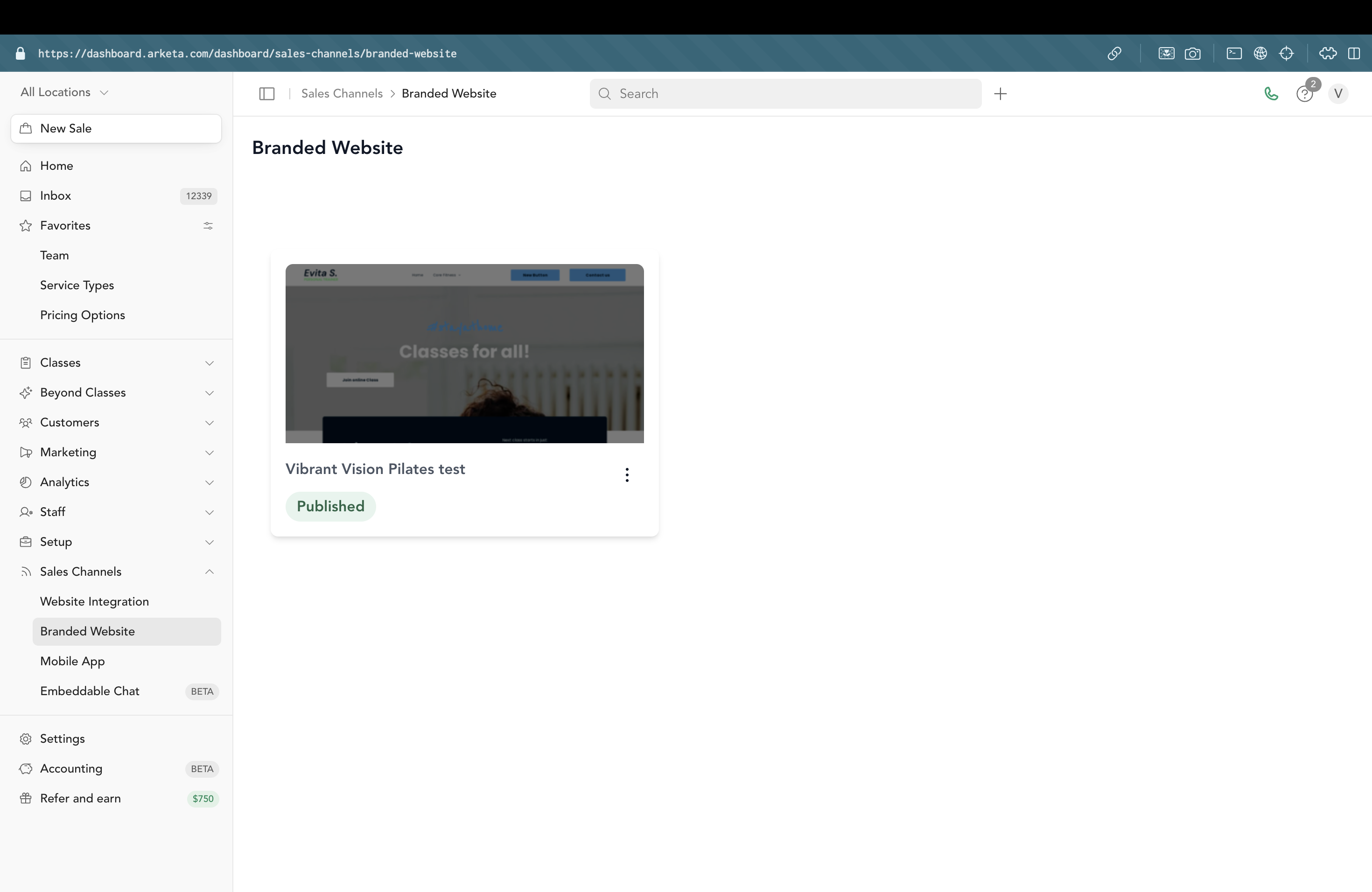
Getting started
Build your site
Use the visual editor to build your pages. Add text, images, and embed your Arketa booking widget where needed.
Connect a domain
Set up a custom domain so your site lives at your own URL (e.g., yourstudio.com).
Add SSL
Enable HTTPS so your domain is secure (required for most browsers to show the site without warnings).
Publish
Click Publish and your site goes live.
Where contact form submissions go
If your site has a contact form, submissions are emailed to the address stored in the website builder — not to the business email in your Arketa settings. Arketa copies your business email into the site once, when the site is first created, and does not update it afterwards.
So if you change your business email in Arketa, or your studio rebrands, update the form's recipient separately:
- Go to Sales Channels → Branded Website
- Click Edit site to open the website editor
- Open the page with your contact form and select the form
- In the form's settings, update the email address submissions are sent to
- Publish the site
Until you do that, submissions keep going to the old address.
Using your own website instead
If you already have a website on Squarespace, WordPress, Wix, Webflow, or another platform, you can skip the Arketa website builder and just embed your custom Arketa embed codes on your existing site. See embed Arketa on a website.