
Team member notes
Keep internal notes on team members visible only to admins.
Team member notes are internal-only. Clients never see them. Use them to track conversations, performance observations, certification expiry dates, or anything else relevant to that staff member.
Add a note
- Go to Staff → Team
- Click on the team member's name
- Click the Notes tab
- Type your note
- Click Save Changes
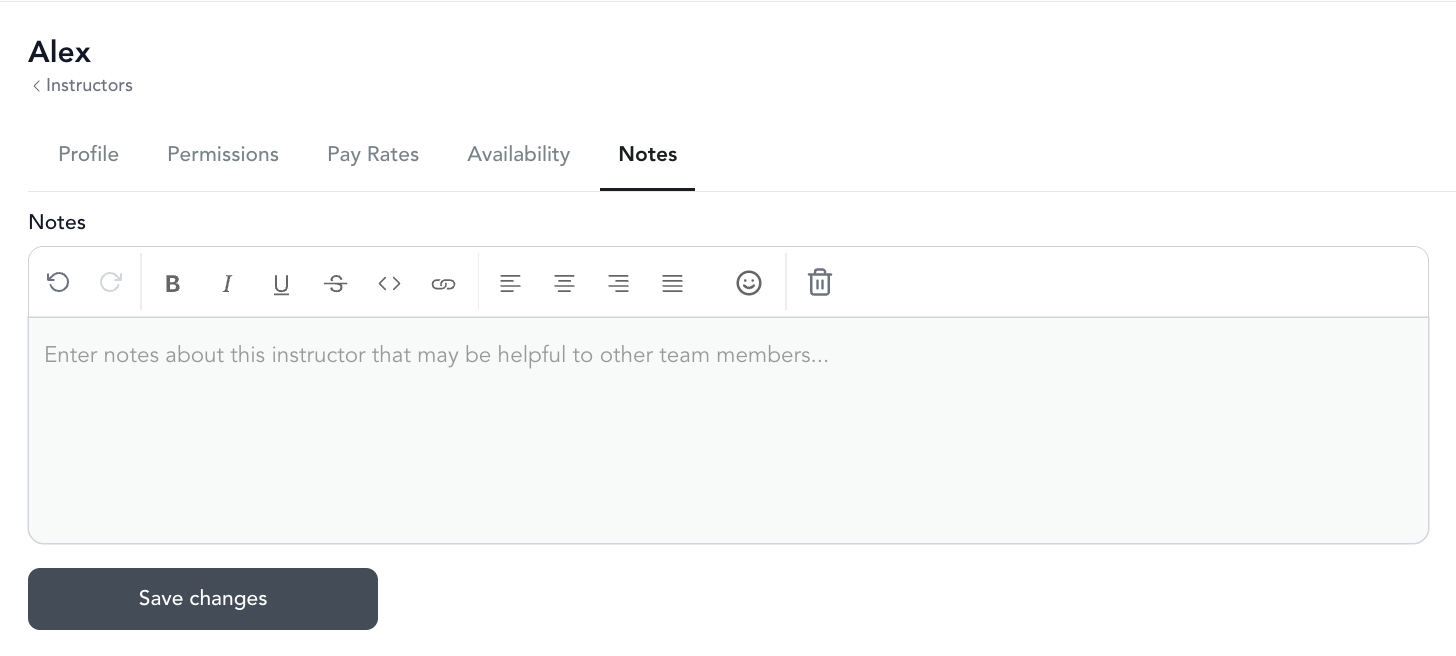
Notes are visible to anyone with admin or manager access to the team section.
Was this helpful?