
Guest Pass Booking Preferences
Allow clients to add guests to their booking.
Enable Guest Booking
This feature allows clients to book for their friends. By enabling this, your clients will be able to purchase a drop-in for guests.
- Go to Settings and scroll down to Client Experience Settings
- Toggle on Enable book for a guest
You can then update each of your packages/subscriptions to allow clients to use these pricing options for guests.
How a client books a Guest
A guest spot is always a separate booking. On the checkout page, Reserve for is a single choice — Myself, Family, or Guest — so a client can't put their own spot and a guest's spot in the same checkout. They book their own spot first, then add the guest.
A client who has already reserved a class can book an extra spot for a friend or family member from the schedule:
- Tap VIEW on the class from the schedule
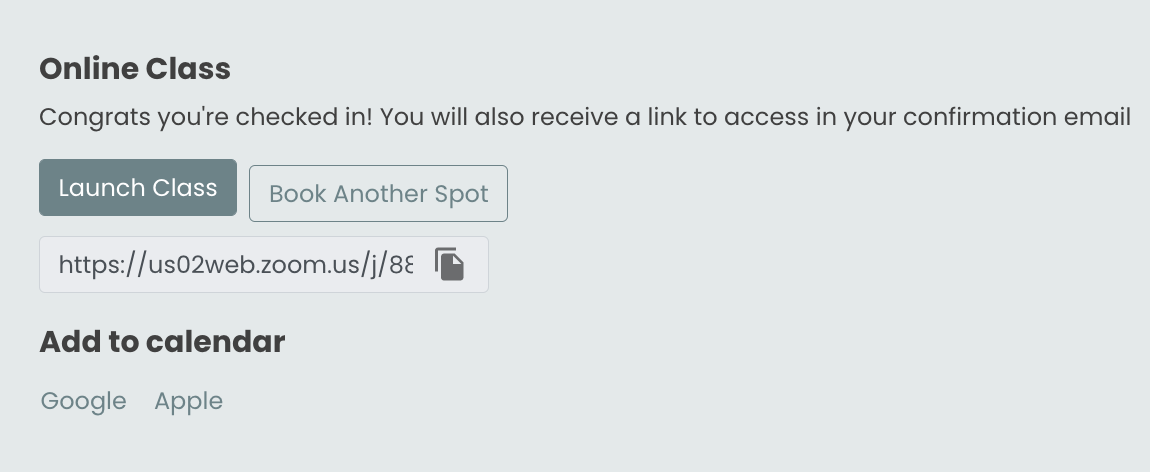
- Tap Book Another Spot
- Select the pricing option and tap Purchase and Reserve
That's it — the second spot is reserved. You can see that the client has booked twice and may reach out to learn more about the guest who plans on attending.
Guest List - How it works
Guest list booking lets a client reserve spots for multiple guests — a friend or family member who doesn't have their own account or pricing option. You control which services support this on a per-service basis.
Enable guest list booking per service
- Go to Settings → Guest Pass Booking Preferences
- Select the In-Person or Livestream tab depending on the format
- Toggle guest list booking on or off for each service type in the list
Changes apply immediately to new bookings.
In-Person vs. Livestream
- In-Person — controls physical class and appointment types at your locations
- Livestream — controls virtual/live-streamed class types
Related settings
- To allow guests at gym check-in (without app-based booking), see Enable Guest Passes for Gym Check-In in General business settings.
- To apply member discounts to guest bookings, see Apply member discounts to guest bookings in General business settings.