
Login and account access
Sign in to your Arketa dashboard and manage your login credentials.
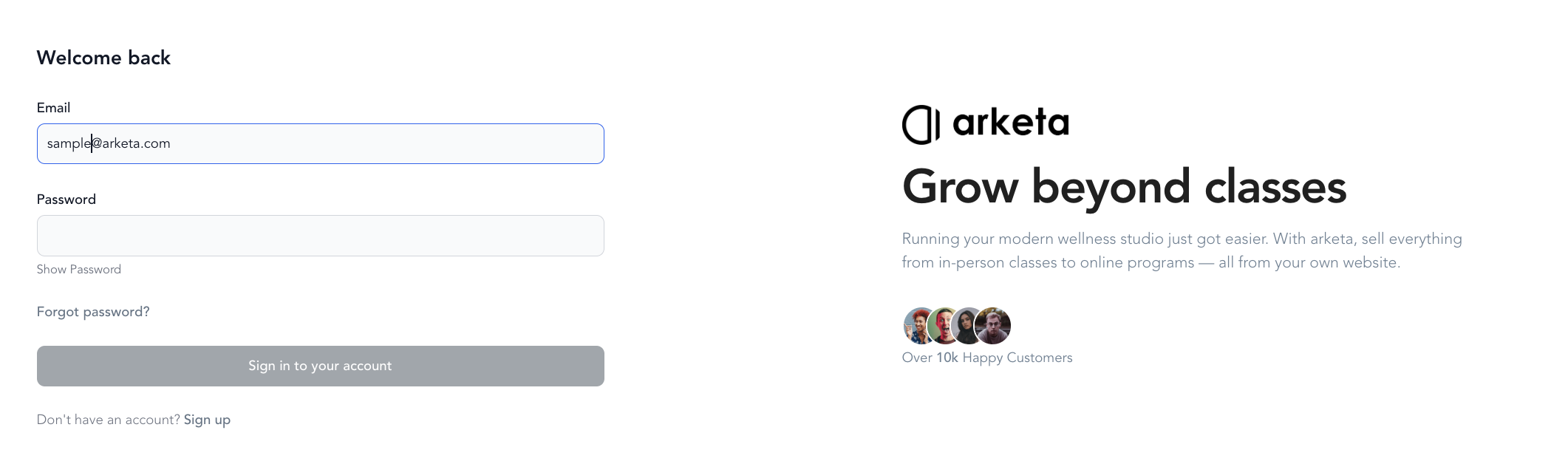
Sign in to your dashboard
Go to dashboard.arketa.com and enter your email address. Arketa sends a 6-digit verification code to that address — enter it to log in.
If you prefer a password, click Use password instead on the login screen.
Forgot your password?
Click Forgot Password on the login page to reset it. An email with a reset link will be sent to your address.
Two-factor authentication
Arketa's default login uses email-based verification codes, which serves as a built-in layer of security. No additional setup is required.
Change your account email
This updates the email you (the owner or staff member) use to log in and receive account notifications. It does not change a client's email — to update a client's address, edit it on their profile in Clients.
Log in to your dashboard
Sign in at dashboard.arketa.com.
Open My Profile
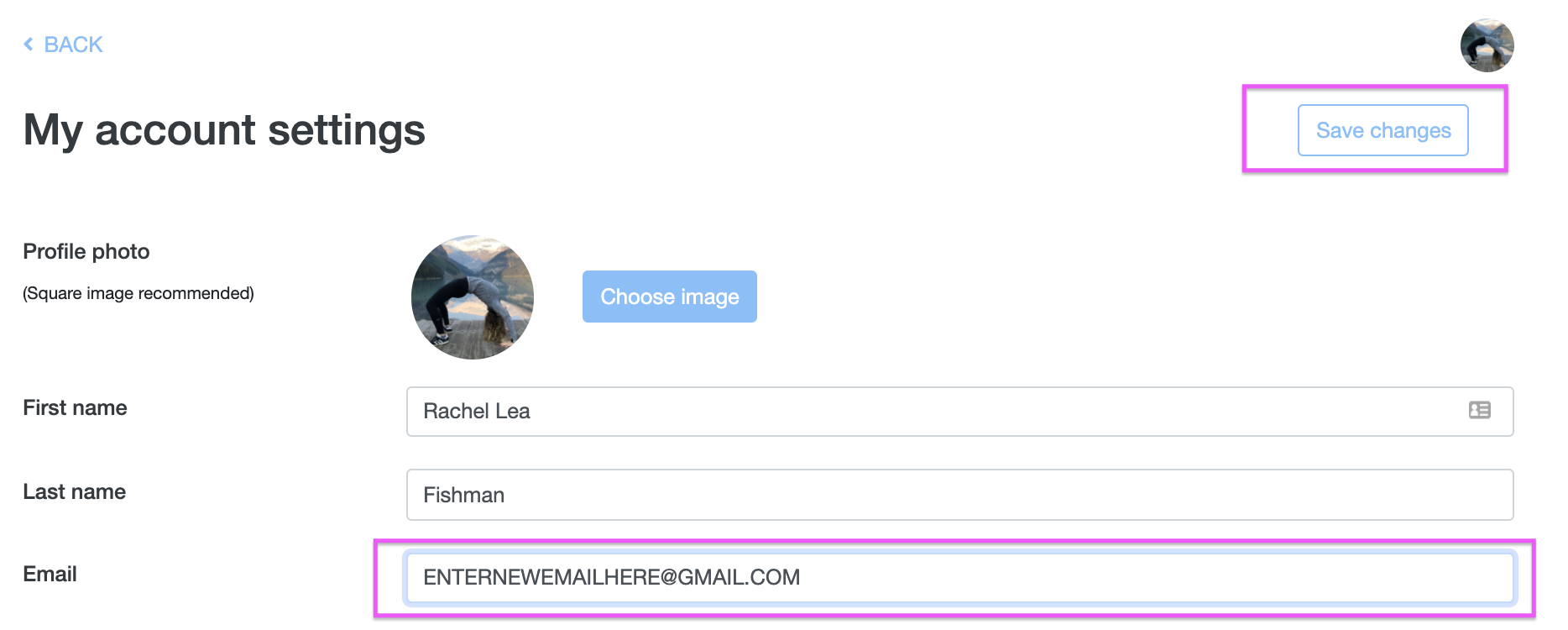
Click your profile in the top-right corner and choose My Profile from the dropdown.
Update your email
Change the email field and press Save.
Confirm with your password
Enter your password to confirm the change. A green confirmation bar appears once the update is saved.
If your login uses email verification codes, future codes will be sent to the new address. Make sure you can receive mail there before switching.
Update your name or phone number
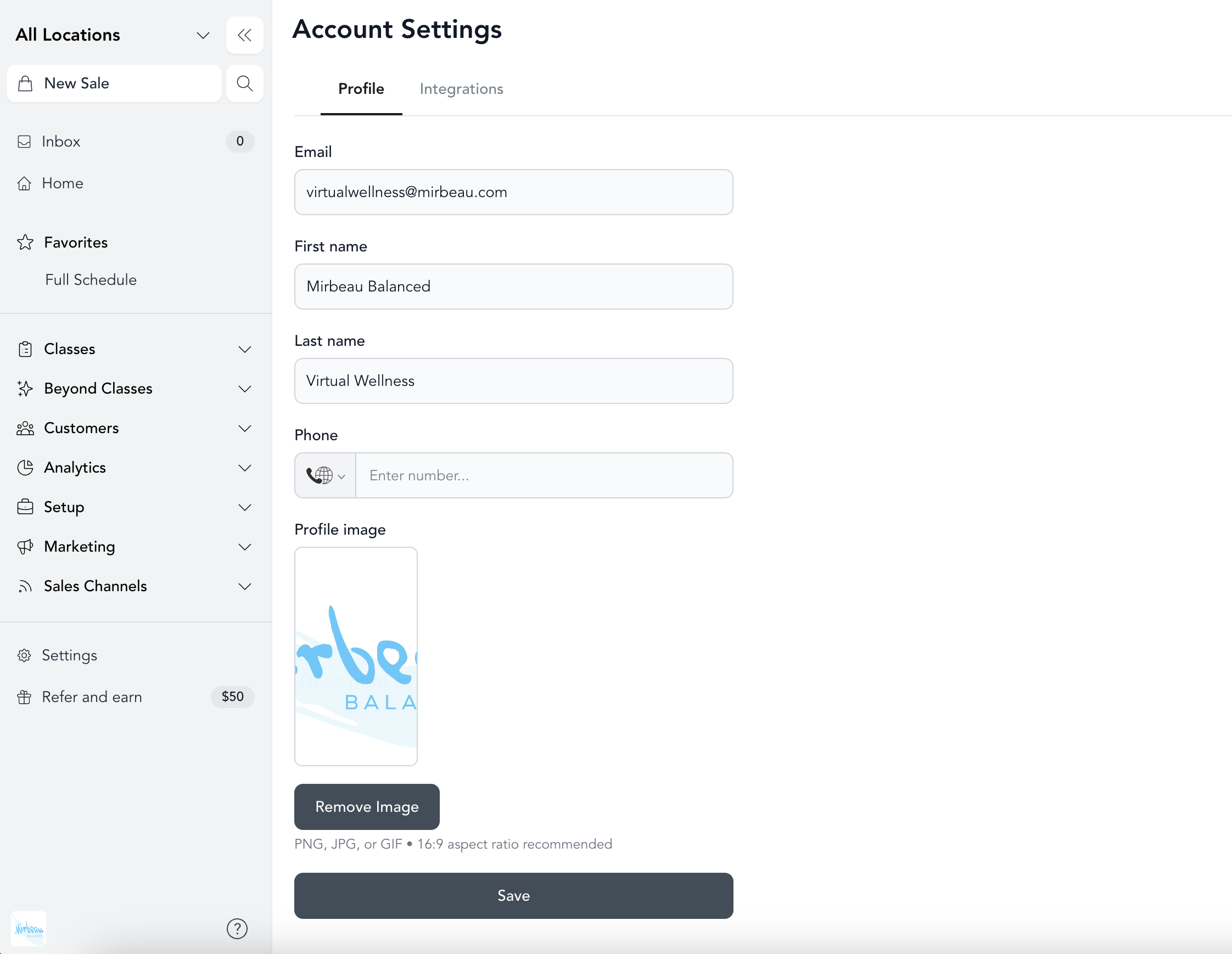
Your first name, last name, and phone number live on the same My Profile screen. Edit the field you want to change and press Save.
Team member access
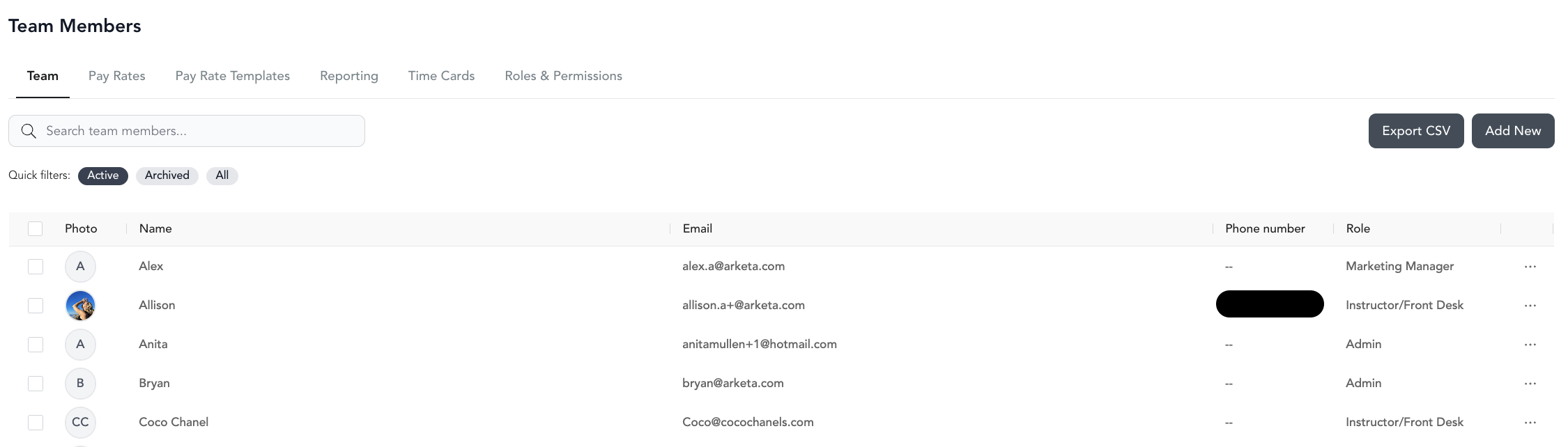
Team members log in at the same URL — dashboard.arketa.com — using the email address assigned to their account. Their dashboard view is limited to what their role and permissions allow.
If a team member can't log in, check that their email is correct in Settings → Team.
"Email is not linked to an active Arketa account"
If you enter your code and see a message that your email is not linked to an active Arketa account, the sign-in actually worked — but that email isn't connected to a business account on the dashboard. This usually means one of the following:
- You signed in with a personal or client email instead of the email that owns the business. Log out and sign in with the email tied to your Arketa business account.
- You should have team access but haven't been added yet. Ask your Arketa account admin to invite you under Settings → Team using this exact email.
- You're a client rather than a studio admin. Clients log in through the studio's booking widget, website, or app — see client account troubleshooting — not through the dashboard.
"Access Denied — Forbidden - IP blocked"
If you open your dashboard and see an Access Denied page reading Forbidden - IP blocked, Arketa is blocking the connection based on the region your internet connection appears to come from. Dashboard sign-ins from some regions are restricted as a fraud-prevention measure, and legitimate access from those regions has to be approved for your account.
Switching Wi-Fi networks or moving to cellular data will not clear it, because the block follows the region rather than the individual network. Send support a screenshot of the Access Denied page along with the country you're traveling from, and we can enable dashboard access for your account.
Traveling soon? Message support before you leave with the countries you'll be working from, so your access is enabled ahead of time instead of while you're locked out.
Client login
Clients log in through your booking widget, website, or mobile app — not through the dashboard. If a client can't log in, see client account troubleshooting.