
Log in to your account
How to log in and what to do if you're having trouble.
Log in
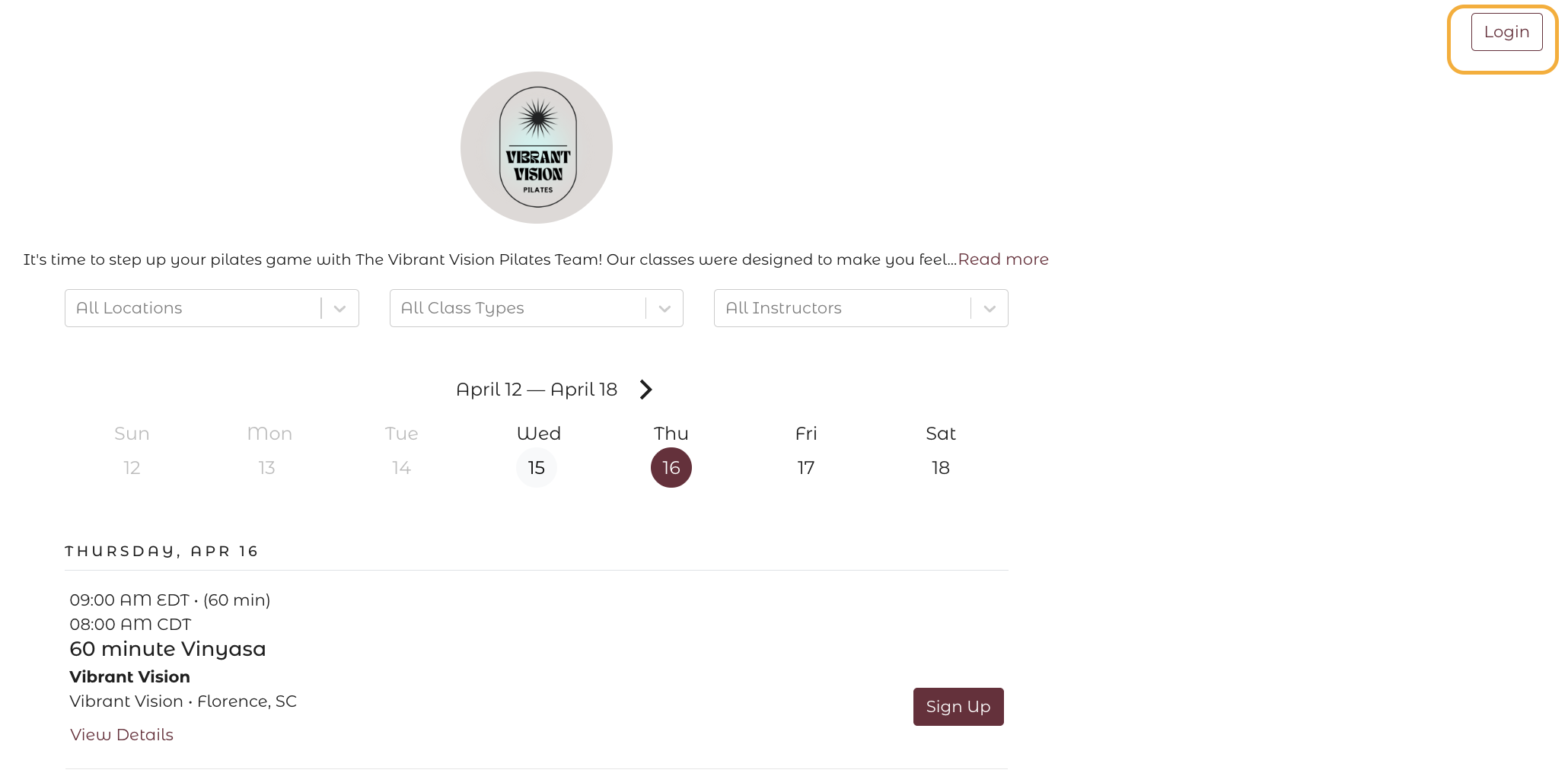
Go to your studio's website and click the Login button in the top right corner of the page. You can also log in directly at checkout when booking a class.
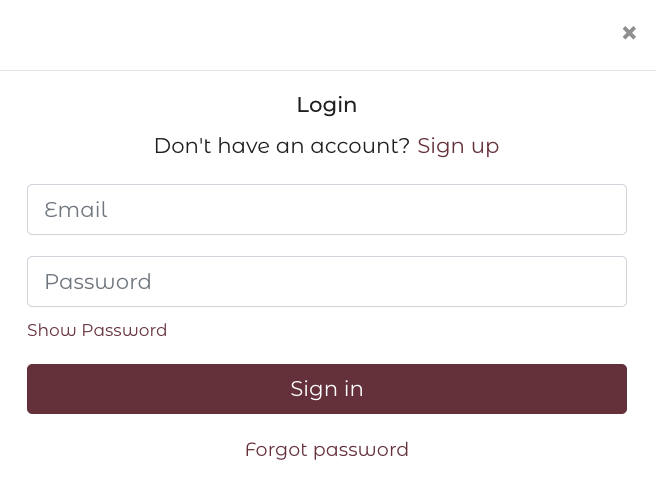
Log in with your email address using either a password.
Reset your password
If you've forgotten your password:
- Click Forgot Password on the login screen
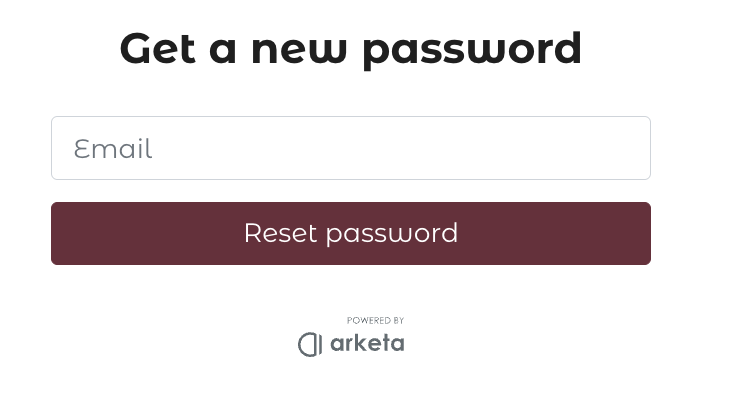
- Enter your email address
- Check your inbox for an email from Arketa (subject: "Password reset for Arketa", from arketa-noreply@arketa.co)
- Click the link and set a new password
If you don't see the email, check your spam folder. If the link has expired, request a new one by going through the forgot password flow again.
Common login issues
"This account does not exist" You're using an email that isn't linked to an account. Make sure you're using the same email you signed up with, or create a new account.
"An account already exists with this email" You already have an account — click Sign In instead of trying to sign up.
"Your password is incorrect" Try resetting your password using the forgot password link.
Don't know which email you used?
Contact your studio — they can look you up by name and tell you which email is on file.