
Sharing class links
Share direct links to individual classes or your full schedule with clients.
There are a few ways to share your schedule with clients — a direct link to a specific class, a link to your full schedule, or an embedded widget on your website.
Direct link to a class
The most targeted option. Use this for social media posts, emails, or ads pointing people to a specific class.
- Go to Full Schedule
- Find the class you want to share
- Click the ... (three dots) under Actions
- Copy the Checkout URL

That link takes clients directly to the booking page for that class. They can book, pay, and get their confirmation — all without navigating through your full schedule.
Your full schedule
To share your complete booking page:
- Go to Sales Channels → Website Integration in your dashboard
- Copy your schedule URL
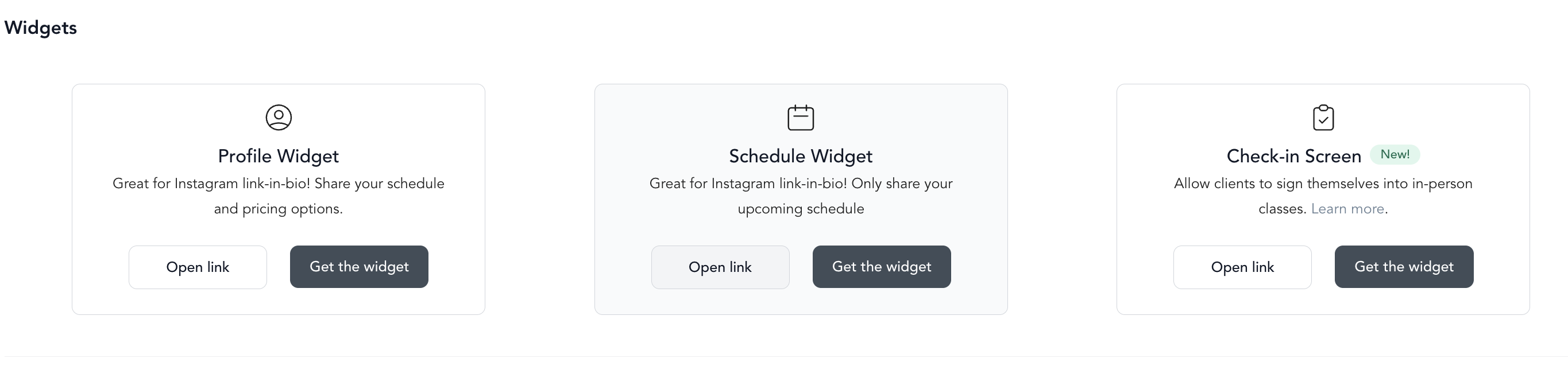
This is your branded scheduling page where clients can browse all your upcoming classes and book from there. You can link to it from your website, bio link, or anywhere you share your business online.
Embedding the schedule on your website
Instead of sending clients to a separate URL, you can embed your schedule directly in your website. See embed on your website for step-by-step instructions for Squarespace, Wix, WordPress, Webflow, and Showit.
Branded mobile app
If you have an Arketa branded mobile app, all your classes automatically appear there. Clients can browse and book through the app without needing a link. You can manage your app settings under Sales Channels → Mobile App.