
Variants and inventory
Add size and color options and track stock for each product variant.
Add variants to a product
Variants let you offer a product in multiple options — sizes, colors, materials — while keeping it as one product listing.
When creating or editing a product:
- Under Options, click to add a variant type (e.g., "Size")
- Add the values (e.g., Small, Medium, Large)
- Each combination of options creates a separate variant with its own inventory count and SKU
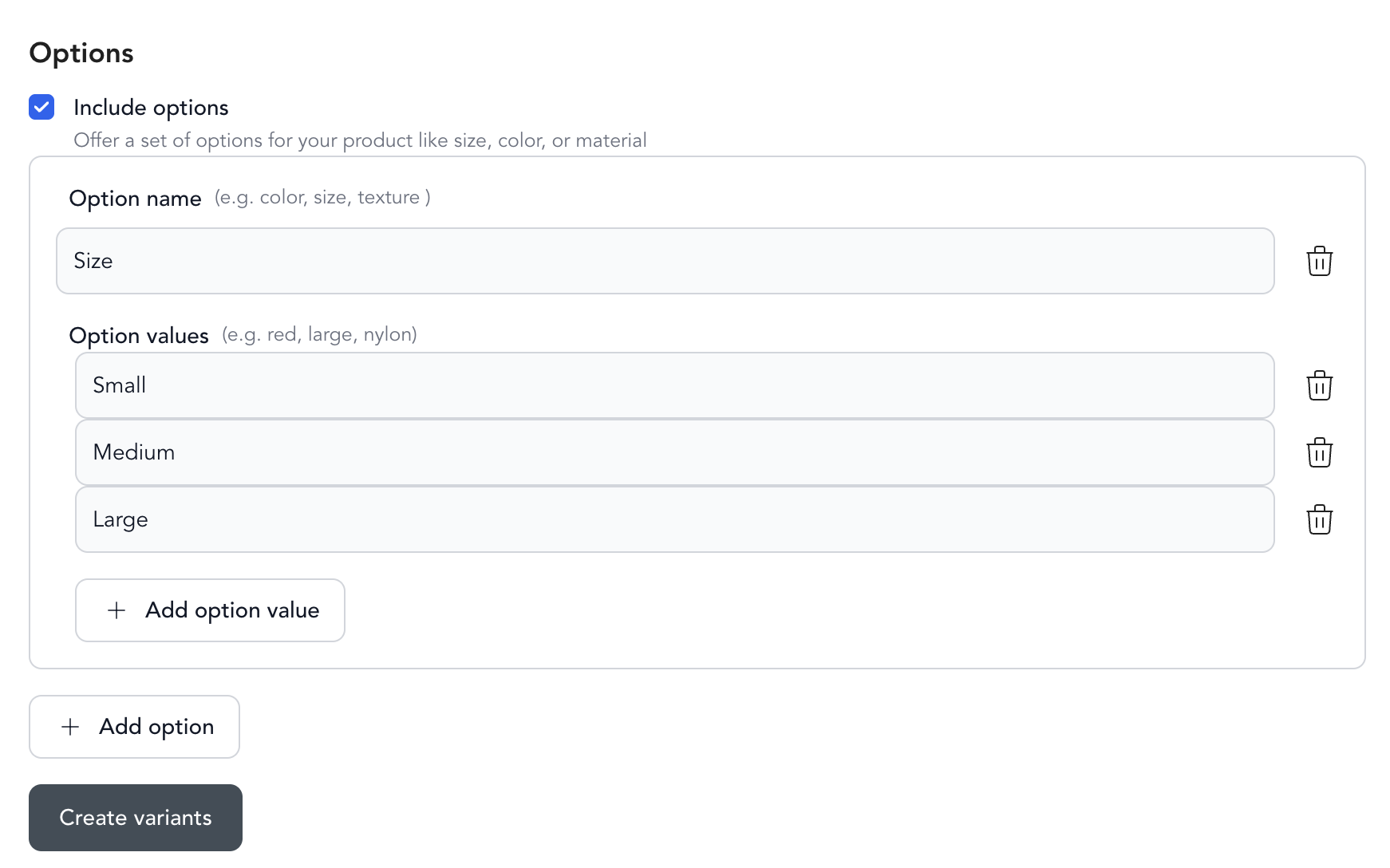
Select create variants, and edit variant accordingly
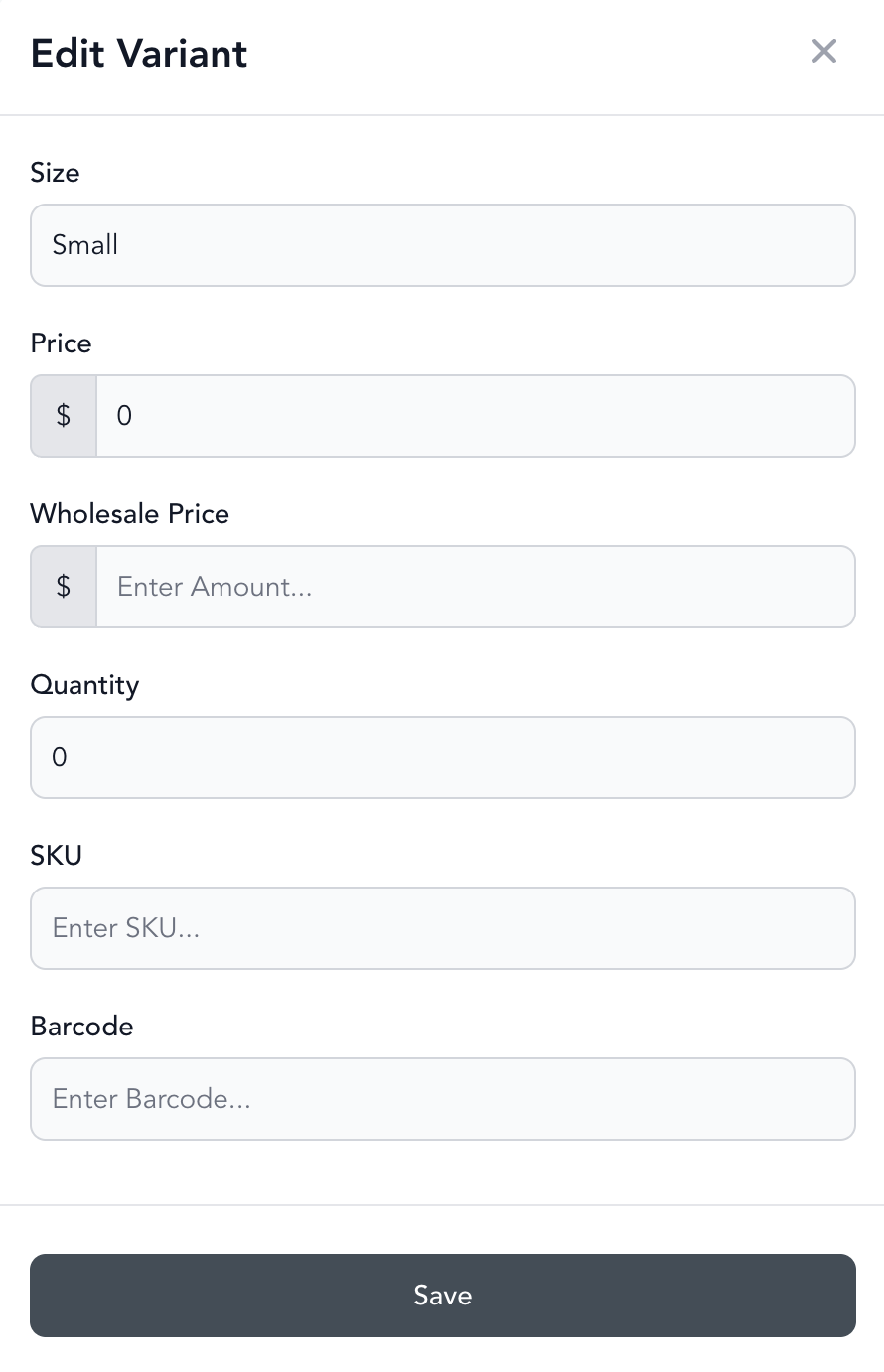
Manage inventory
Each variant tracks its own inventory level. To edit inventory:
- Go to Beyond Classes → Retail Products
- Click on the product
- Update the stock quantity for each variant
When a variant sells out, it's no longer available at checkout (if inventory tracking is enabled).
Best practices
- Set inventory counts before setting a product to Active so you don't oversell
- Use the Inventory of Retail Report to see current stock levels across all products
- Add SKUs and barcodes if you use a barcode scanner at the front desk for faster checkout
Was this helpful?