
Walk-in sale
Process a sale for a customer without creating an account for them.
Walk-in sales let you process purchases for one-time customers without adding them to your client list. Great for drop-in clients you don't need to track long-term, merchandise sales, or anyone who prefers not to create an account.
Process a walk-in sale
- Go to Point of Sale
- Click Walk-in sale (instead of searching for an existing client)
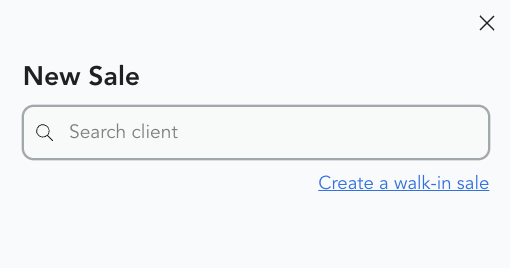
-
Add items to the cart:
- Retail products
- Gift cards
- Class drop-ins (note: packs and subscriptions require a client account)
-
Select payment method (card, cash, terminal)
-
Complete the transaction
What walk-in sales can include
Walk-in sales work for one-time purchases that don't require account tracking:
- Retail items
- Gift cards
- Single class drop-ins
Recurring memberships, class packs, and other options that need account-based tracking require a client profile. If you want to sell those to a new client, create a profile first.
Recording walk-in sales
Walk-in sales appear in your payment reports without a client name attached. If you want to associate the sale with someone later, you'll need to create a client profile and re-run the transaction.
If you're selling a walk-in drop-in to someone who plans to come back, take 30 seconds to create a profile for them. It makes future check-ins and payments much faster.