
Stripe overview
How Arketa's Stripe integration works and what you manage in each platform.
Arketa uses Stripe Connect to process all payments. This means Stripe runs behind the scenes, but everything is managed through your Arketa dashboard — you don't need a separate Stripe login.
What Arketa handles
- Creating pricing options and collecting payments through your booking page
- Displaying transaction history in your dashboard
- Reporting and revenue analytics
- Storing customer profiles linked to Stripe payment methods
- Managing payouts, disputes, and banking information
What Stripe handles (behind the scenes)
- Actually processing card charges, bank transfers, and digital wallets
- Storing card data securely
- Sending payouts to your bank account
- 1099-K tax form generation
- Identity verification for your account
Setting up Stripe
You connect Stripe once during your Arketa onboarding. See connect Stripe for the step-by-step.
Never disconnect your Stripe account from Arketa. Doing so will stop all payments on your account immediately. If you need to switch Stripe accounts (for example, to change your business EIN), contact support@arketa.com — our team will handle the migration for you.
Do I have access to a Stripe dashboard?
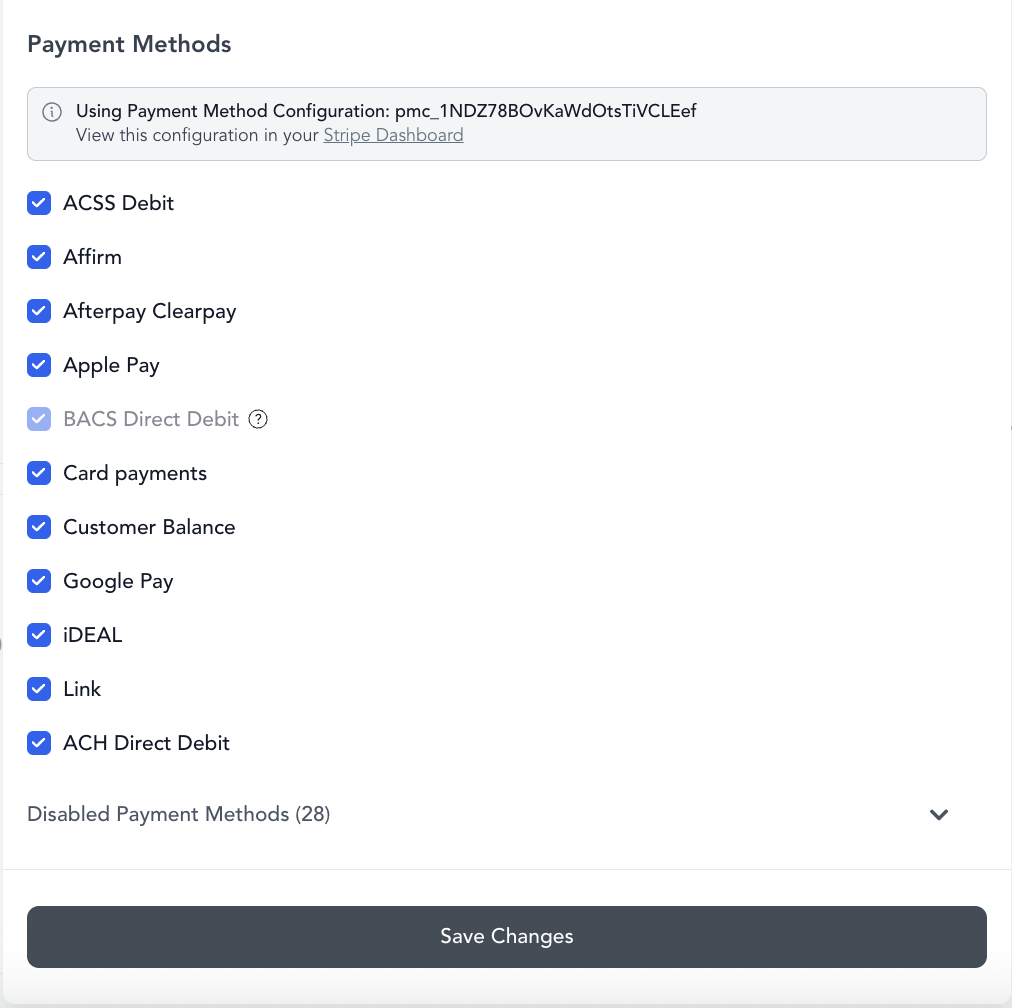
Most accounts: No. Arketa uses Stripe Connect (Custom accounts), which means your Stripe integration is fully managed by Arketa. There is no separate Stripe dashboard to log into — all of your payments, payouts, reporting, and transaction history are accessed directly inside your Arketa dashboard.
We are not able to provide access to a Stripe dashboard for Custom accounts. This is a limitation of how Stripe Connect works, and it's what allows us to keep platform costs low.
Legacy accounts: Yes. A small number of businesses are on legacy Stripe Standard accounts. If you're on a Standard account, you do have access to your own Stripe dashboard at dashboard.stripe.com. From there you can view transaction logs, manage payouts, respond to disputes, and update banking information.
At this time, we do not support migrating from a Stripe Custom account to a Stripe Standard account.
1099-K tax reporting
If your business processes over a certain threshold in card transactions in a year, Stripe generates a 1099-K. This reflects total payment volume processed through Stripe — not your net revenue after fees and refunds.
Important: Your Stripe 1099-K total may not match your Arketa revenue reports. Arketa reports net revenue (after refunds); Stripe's 1099-K reflects gross payment volume. See your accountant for how to handle this discrepancy.
Stripe fees
Stripe charges a processing fee on every card transaction. Current US rates are approximately 2.9% + 30¢ per successful card charge. International cards, ACH, and other payment types have different fee structures. See stripe.com/pricing for current rates.