
Library filters
Add filters to your video library so clients can search and narrow down content.
Filters let clients search and narrow your library by things like workout type, body focus, intensity, or equipment needed. They show up as a filter panel on your library page — clients can select multiple filters at once, then reset them when done.
Available filter types
| Filter | Examples |
|---|---|
| Workout type | Yoga, HIIT, Pilates, Strength, Dance |
| Body focus | Full body, Upper body, Core, Lower body |
| Intensity | Beginner, Intermediate, Advanced |
| Equipment | No equipment, Dumbbells, Resistance band, Mat |
| Duration | 15 min, 30 min, 45 min, 60 min |
| Custom | Anything else — great for themes, instructors, class series |
Adding filters to a video
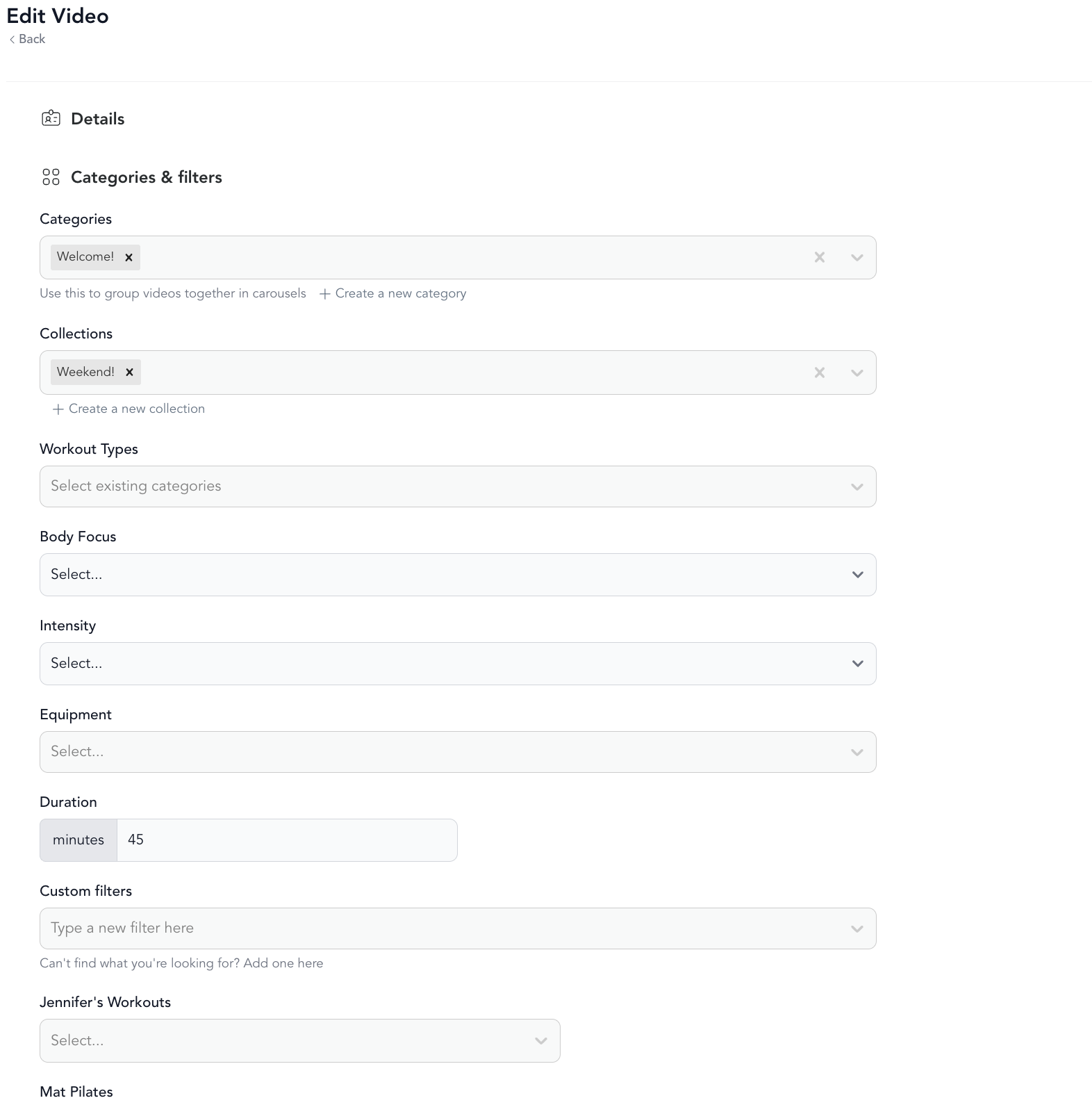
When uploading or editing a video, go to Categories & Filters and select the appropriate values for each filter. Only filters that have at least one video tagged to them will appear in the library — empty filters don't show up.
What clients see
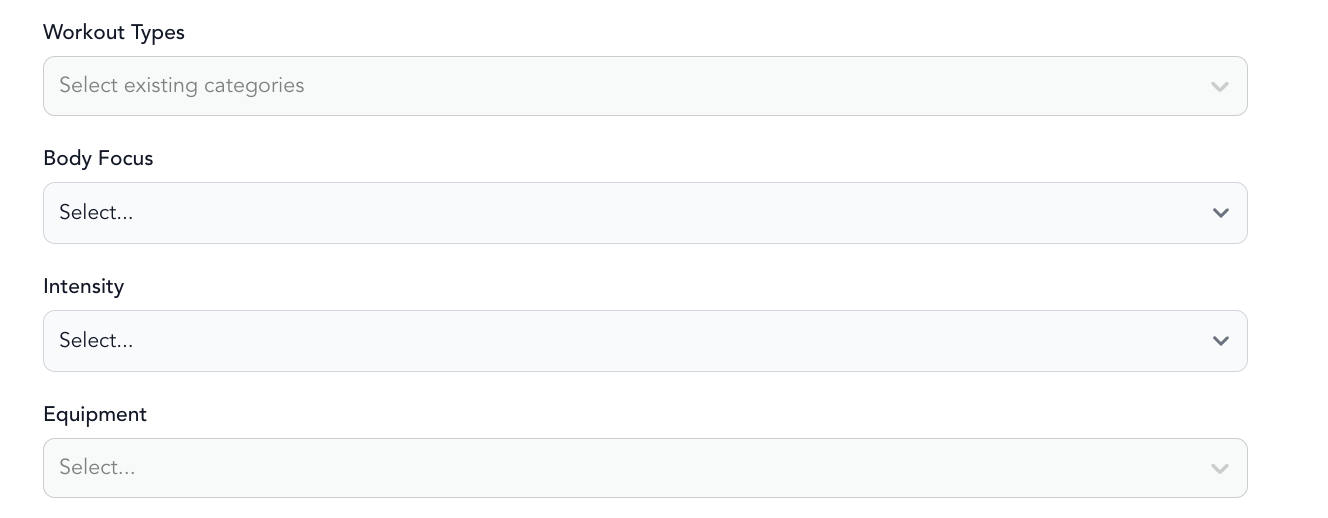
On your library page, clients see a Filters button that opens a filter panel. They can:
- Select any number of filters across multiple categories
- Use the built-in Search bar to find videos by name
- Filter to Favorited, Taken by me, or Not taken by me — great for returning clients building a practice
Custom filters
If the built-in filter categories don't cover what you need, create custom filters when uploading a video. These appear as their own filter group in the library. Good uses for custom filters include:
- Instructor name
- Class series or program name
- Skill requirement (e.g., "No prior experience needed")
- Location (for studios with multiple teaching spaces)