
Video collections
Group multiple videos into a series or program that clients can work through in order.
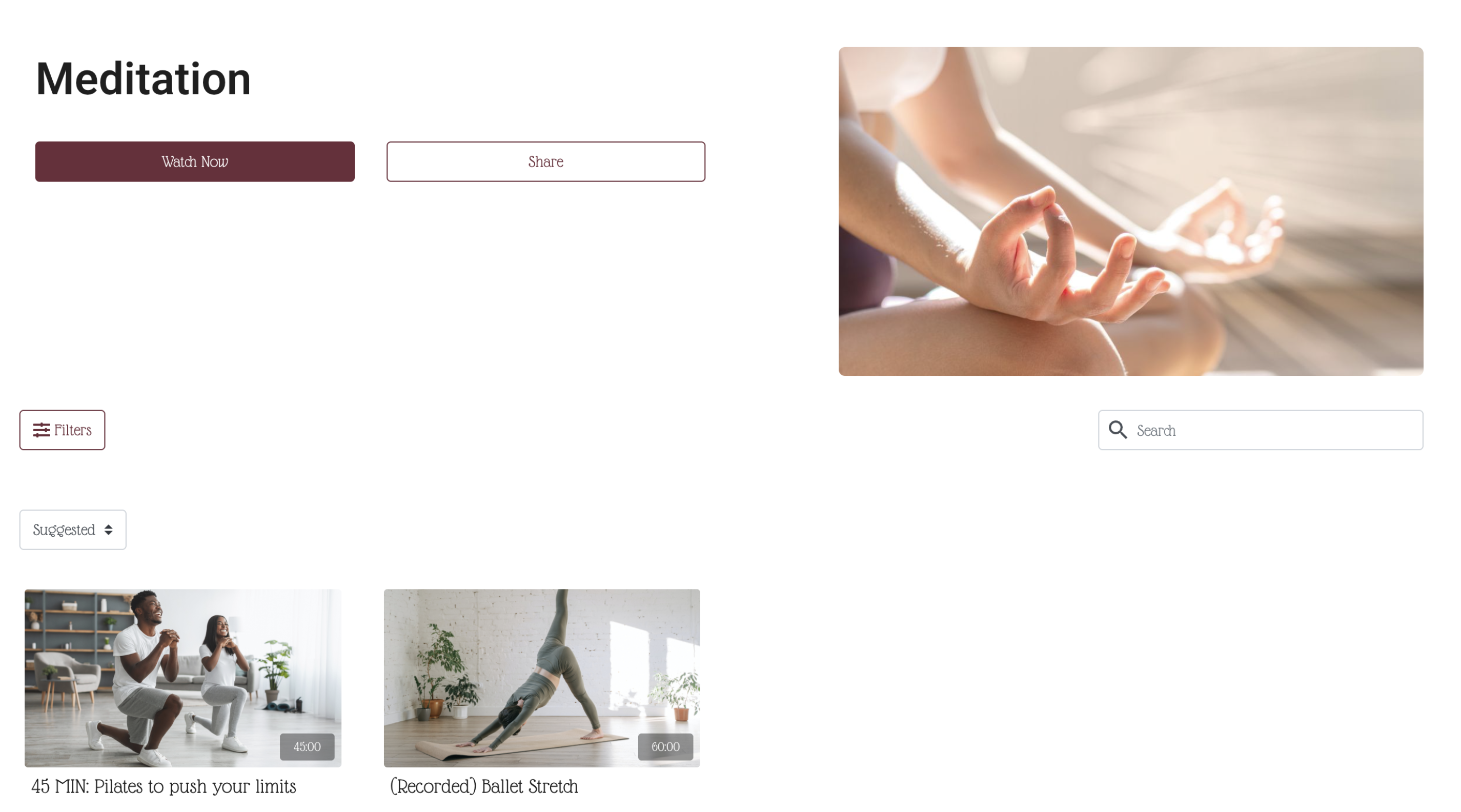
Collections let you bundle multiple videos under a single thumbnail — perfect for multi-day programs, course series, or any structured content clients work through in sequence.
Examples: "21-Day Core Challenge", "Beginner Foundations Series", "6-Week Strength Program" "Lifestyle"
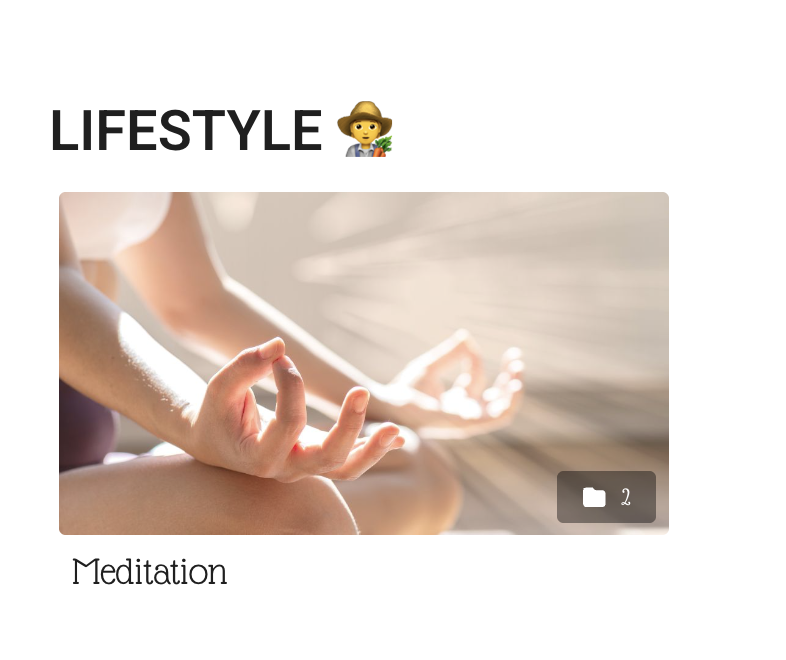
Create a collection
-
Go to Beyond Classes → On-Demand Video
-
Click Add New → Collections
-
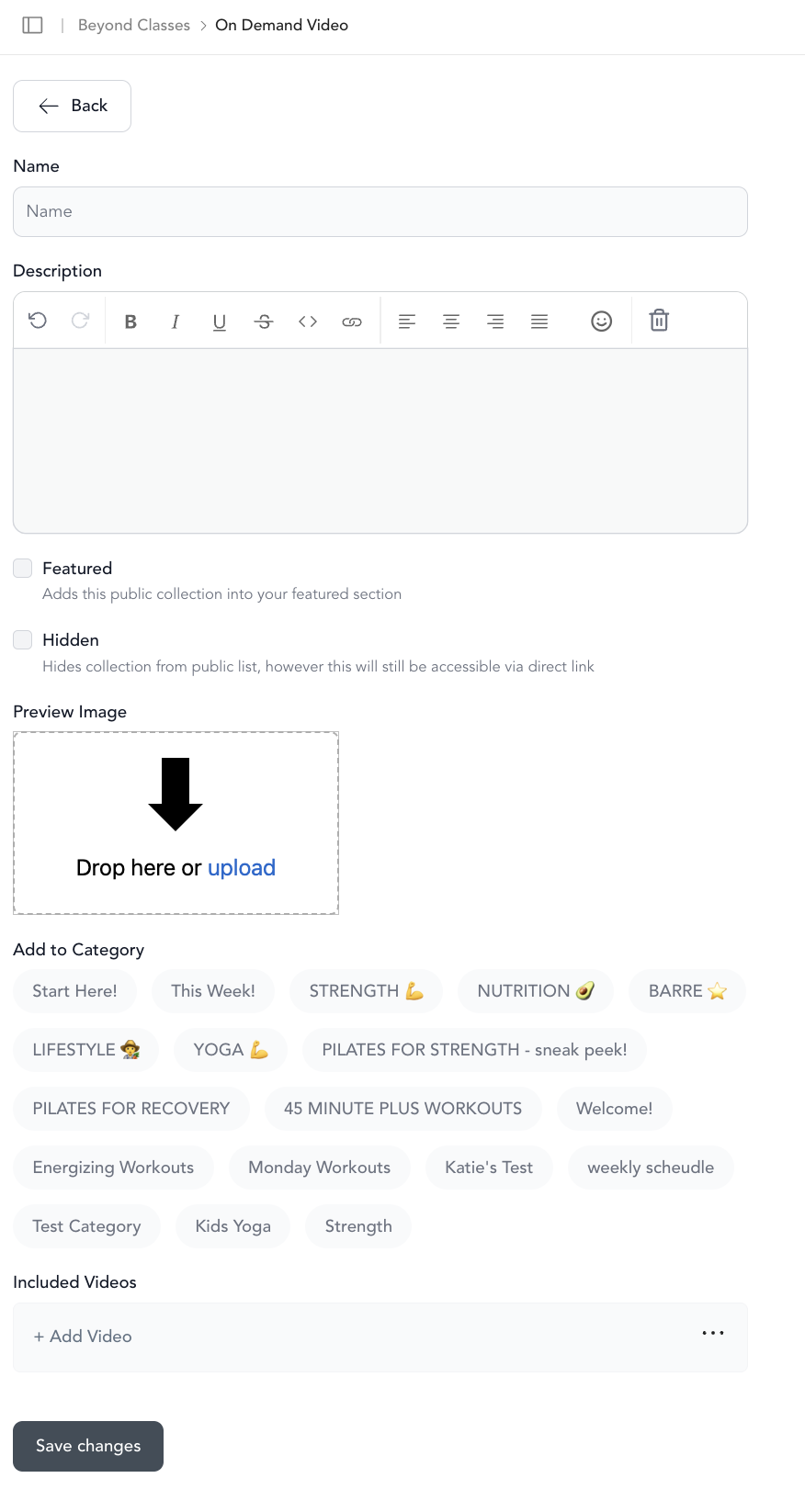
Fill in:
- Name — what clients see for the collection
- Description — shown on the collection detail page
- Featured — highlights the collection at the top of featured views
- Hidden — collection won't be publicly visible (useful for upcoming programs)
- View type — how the content displays when clients open the collection:
- Playlist — videos play one after another automatically
- Carousel — clients pick which video to watch
- Add to category — which categories this collection appears in
- Included videos — which videos are part of this collection
-
Save
Add a collection to a category
You can do this from two places:
- When creating or editing the collection, select the category in Add to category
- From a category, click Add New and choose an existing collection
Reorder videos within a collection
Go to On-Demand → Categories, tap into the relevant category, and use the drag handles to reorder. Collections also let you drag videos within them from the collection edit screen.
Collections vs. categories
| Collection | Category | |
|---|---|---|
| What it holds | Videos | Videos + Collections |
| How it looks | Single thumbnail with multiple videos inside | Horizontal carousel row |
| Best for | Programs, series, courses | Content types, topics, sections |
Good use cases for collections
- A program with a specific sequence (Day 1, Day 2, Day 3...)
- A workshop broken into multiple parts
- A curated "best of" or "favorites" playlist
- Bonus content bundled for a specific membership tier
Was this helpful?