
Agent Loops
Put Arketa Agent on a schedule: it checks your studio, proposes the follow-ups, and waits for your approval
A loop runs Arketa Agent for you on a schedule. Every run reads your studio's data, works through your instructions, and proposes the follow-ups: a text to yesterday's no-shows, a tag on members who are slipping, a payment link to someone whose card failed. Nothing reaches a client until a person approves it, unless you tell the loop otherwise in Permissions.
Go to Arketa Agent → Loops in the dashboard, or start from a template on the Loops card of the Agent Overview tab.
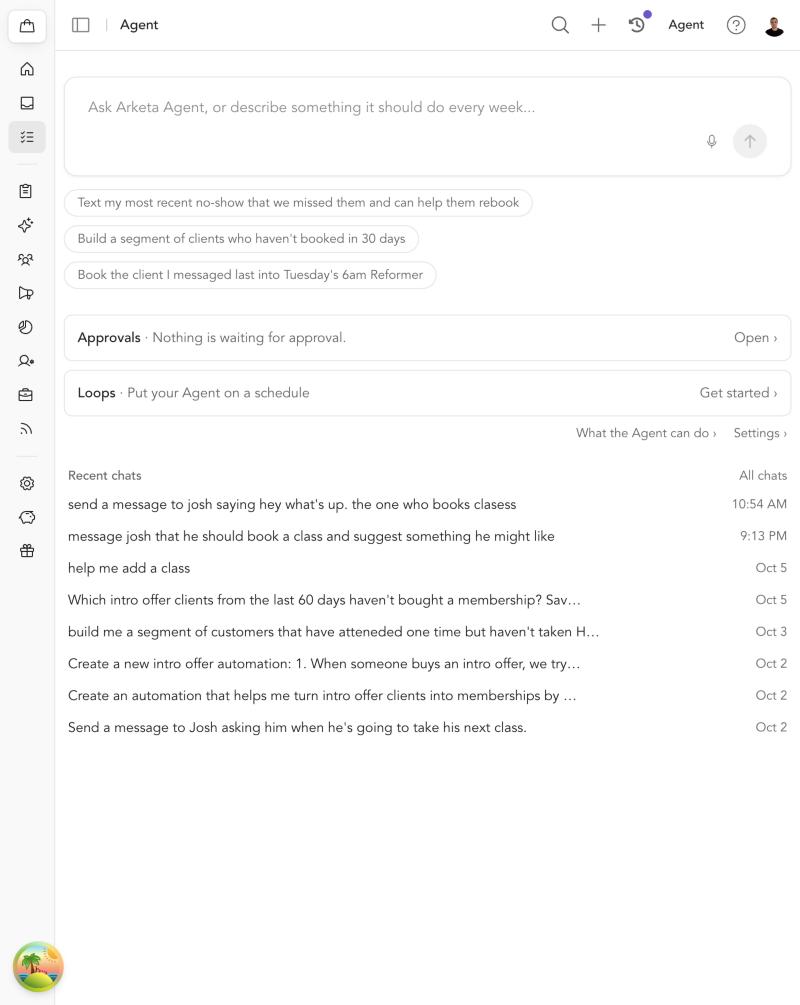
Agent Loops is in beta and rolling out gradually. If you don't see Loops on the Agent page, it isn't on for your studio yet.
Create a loop
Pick a template or start from scratch
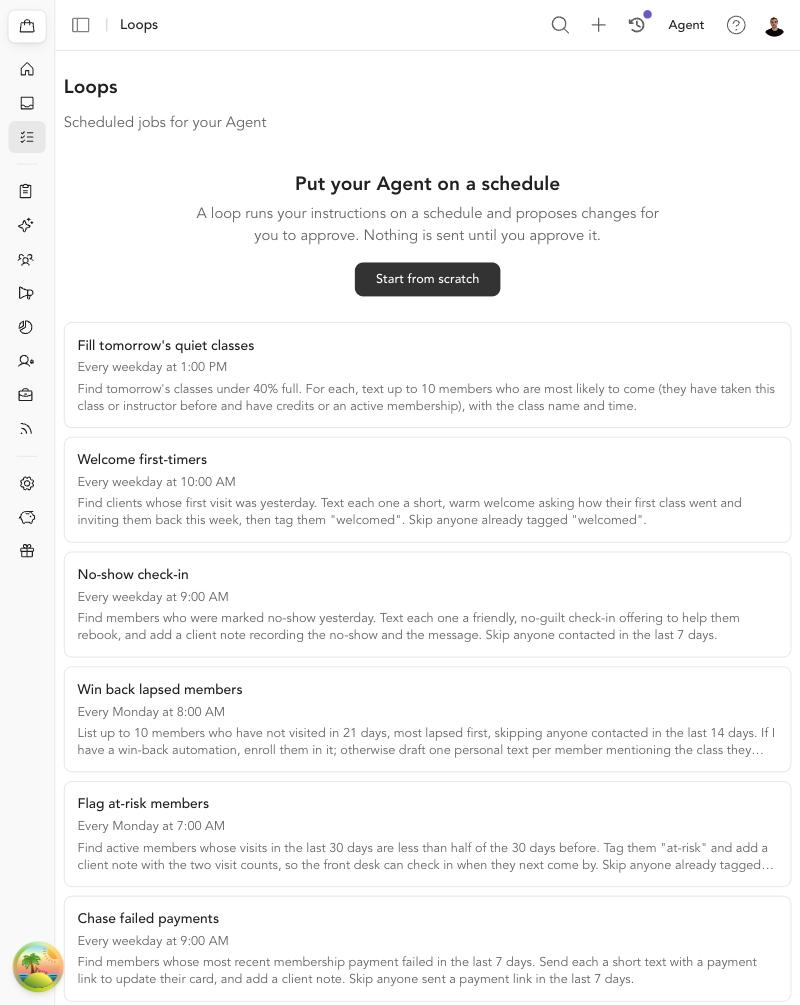
On Arketa Agent → Loops, choose one of the templates below or click New loop (Start from scratch before you have any loops). A template fills in the name, schedule, and instructions; you can change any of them.
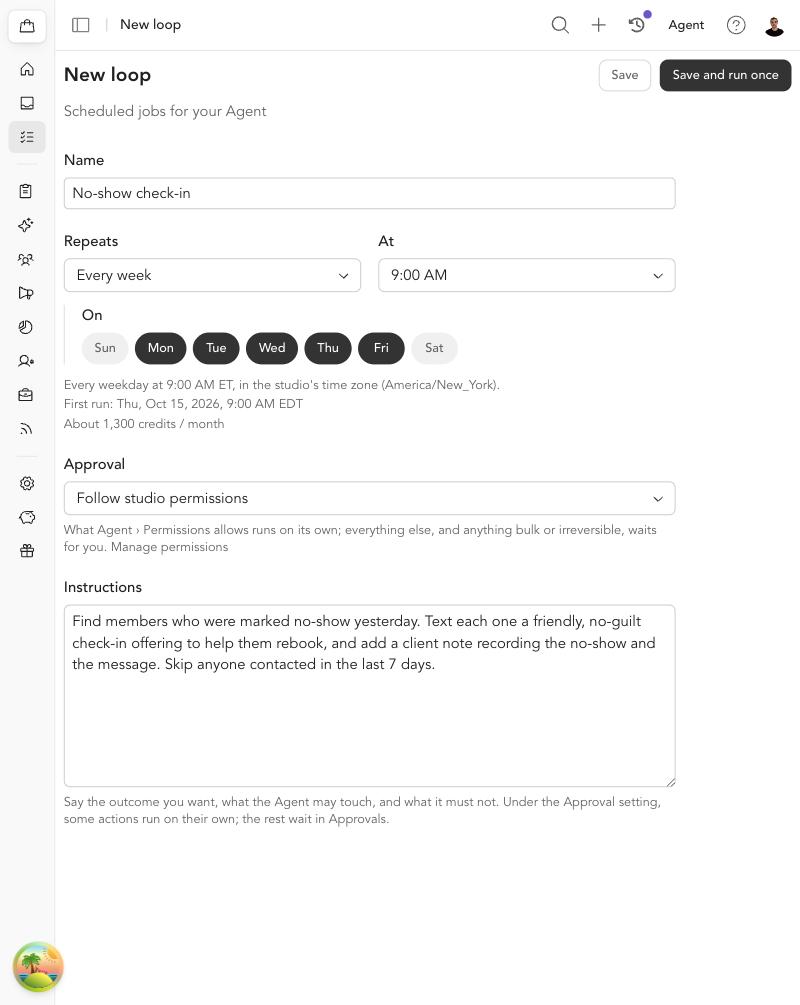
Set the schedule
Choose Every day, Every week (pick the days), or Every month, and a time. Times are in your studio's time zone, and the editor shows the first run and an estimate of the Agent credits a month of runs will use.
Choose how approvals work
Review everything holds every proposal in Approvals for a person. Follow studio permissions lets the loop act on its own for the actions you allow in Arketa Agent → Settings → Permissions. See below.
Write the instructions
Say the outcome you want, what the Agent may touch, and what it must not. Click Save, or Save and run once to see a run right away.
Templates
| Template | What it does |
|---|---|
| Welcome first-timers | Texts clients whose first visit was yesterday and tags them. |
| No-show check-in | A friendly, no-guilt text to yesterday's no-shows, plus a client note. |
| Win back lapsed members | Finds members who haven't visited in 21 days and enrolls them in your win-back automation, or drafts one personal text each. |
| Flag at-risk members | Tags members whose visits dropped by half and leaves a note for the front desk. |
| Chase failed payments | Sends a payment link (by email) to members whose last membership payment failed. |
| Fill tomorrow's quiet classes | Texts members most likely to come to classes under 40% full. |
| Expiring packs | Emails members with credits left on a pack that expires this week. |
| Intro offer conversion | A personal text to clients whose intro offer ends within 7 days, with the membership that fits. |
Every loop skips clients it proposed contacting in the last 14 days, unless its instructions say otherwise. Most templates contact at most 10 clients per run.
Review everything or follow permissions
| Mode | What happens on each run |
|---|---|
| Review everything | Every proposal waits in Approvals. Nothing is sent, booked, or tagged until someone approves it. This is the default. |
| Follow studio permissions | Actions marked Always allow in Arketa Agent → Settings → Permissions run as soon as the loop runs. Everything else, and anything bulk or irreversible, still waits for you. |
Even on Always allow, a loop holds a message that contains a link or a phone number, a second message to the same client in one run, and any message to a client contacted in the last 7 days. Those wait in Approvals like everything else.
Permissions
Arketa Agent → Settings → Permissions (click Settings on the Agent page, then Permissions) is where you decide what the Agent may do without asking. It applies to every loop set to Follow studio permissions.
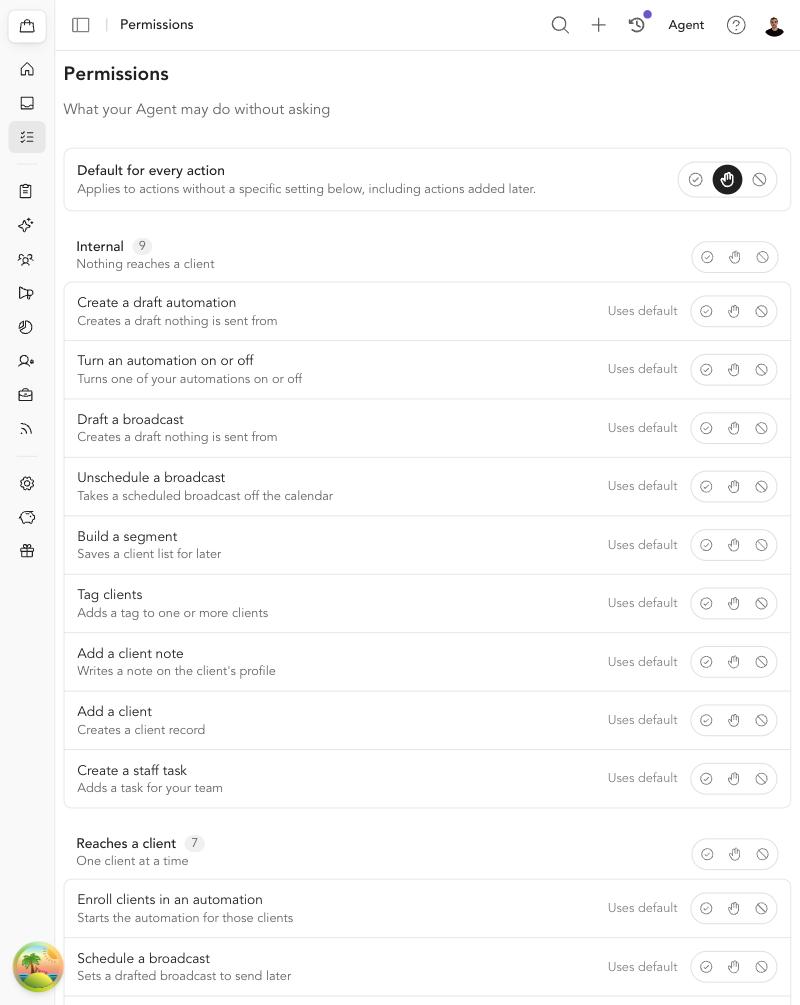
- Default for every action sets the answer for anything you haven't set individually, including actions added later.
- Each action has three settings: Always allow, Needs approval, and Blocked. Click the selected one again to go back to the default.
- Actions are grouped by what they can affect: Internal (nothing reaches a client), Reaches a client, Money or access, and Bulk or irreversible.
- Bulk or irreversible actions, such as sending a broadcast now or canceling a membership, always need approval. You can't allow them.
- Blocked removes the action from the Agent entirely, so a loop can't even propose it.
Changes save as you click. Only someone who can manage the studio's AI plan can change permissions.
After a run
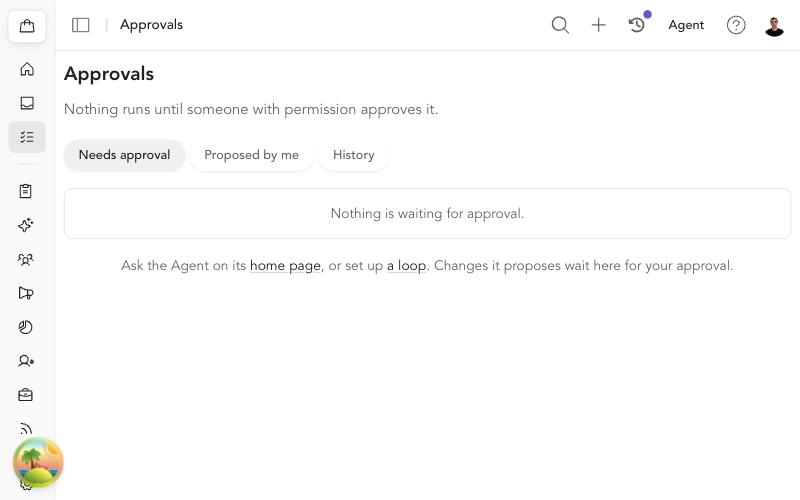
Each run gets a page under the loop with what it did and an email to the studio owner:
- Done — what ran on its own, with Approved by loop on the Approvals page.
- Waiting for you — proposals that need a decision, with a link to Approvals.
- Couldn't — anything the loop could not do, and why.
A run that finds nothing to do says so and sends no email. If nobody reviews a loop's proposals for three runs in a row, the loop turns itself off until you turn it back on.
Credits
Loops use Agent credits, the same as asking the Agent in chat. The editor shows an estimate for a month of runs. If your studio runs out of credits, a run is skipped and the run page says why. During the beta you don't need an Arketa AI subscription to create loops. See Manage Agent credits →