
Update your email address
Change the email on your studio account from your profile.
Update your email
You can change the email address on your account anytime from your profile.
-
Go to your studio's schedule, on-demand library, or program page and find their Login button
-
Log in using the button in the upper-right corner
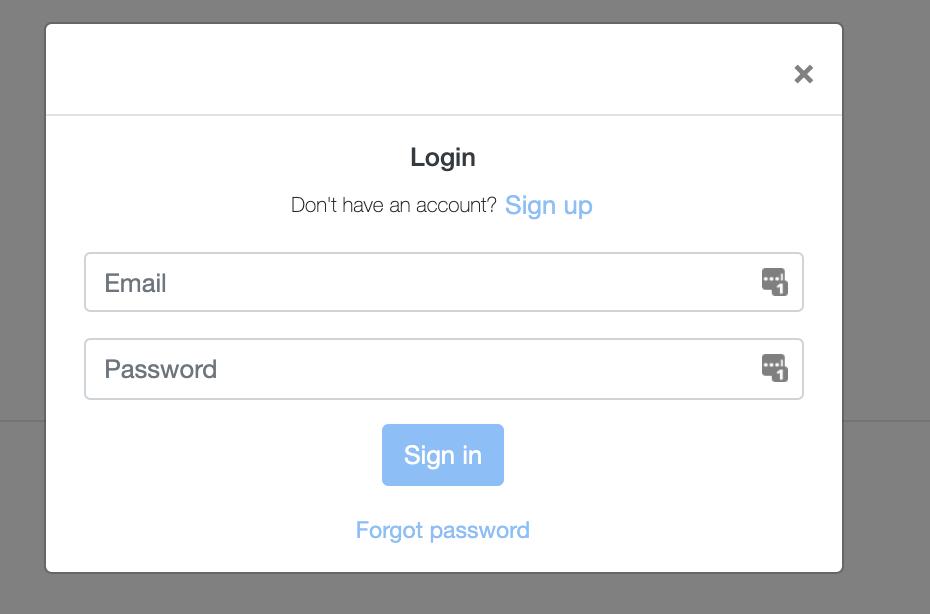
-
Once you're logged in, click your profile photo — or the circle with the first letter of your name — and select Account from the dropdown
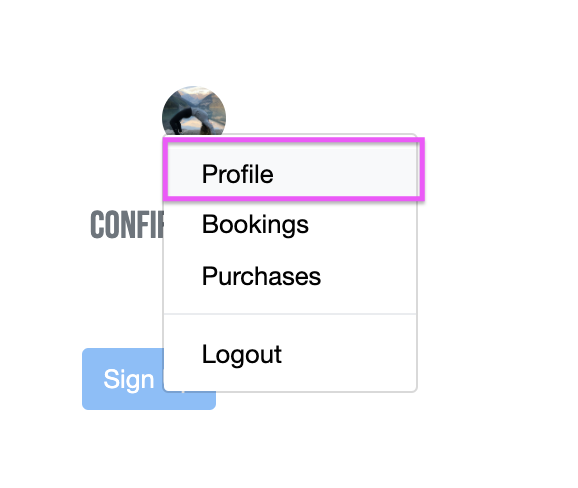
-
Update your email address and click Save changes
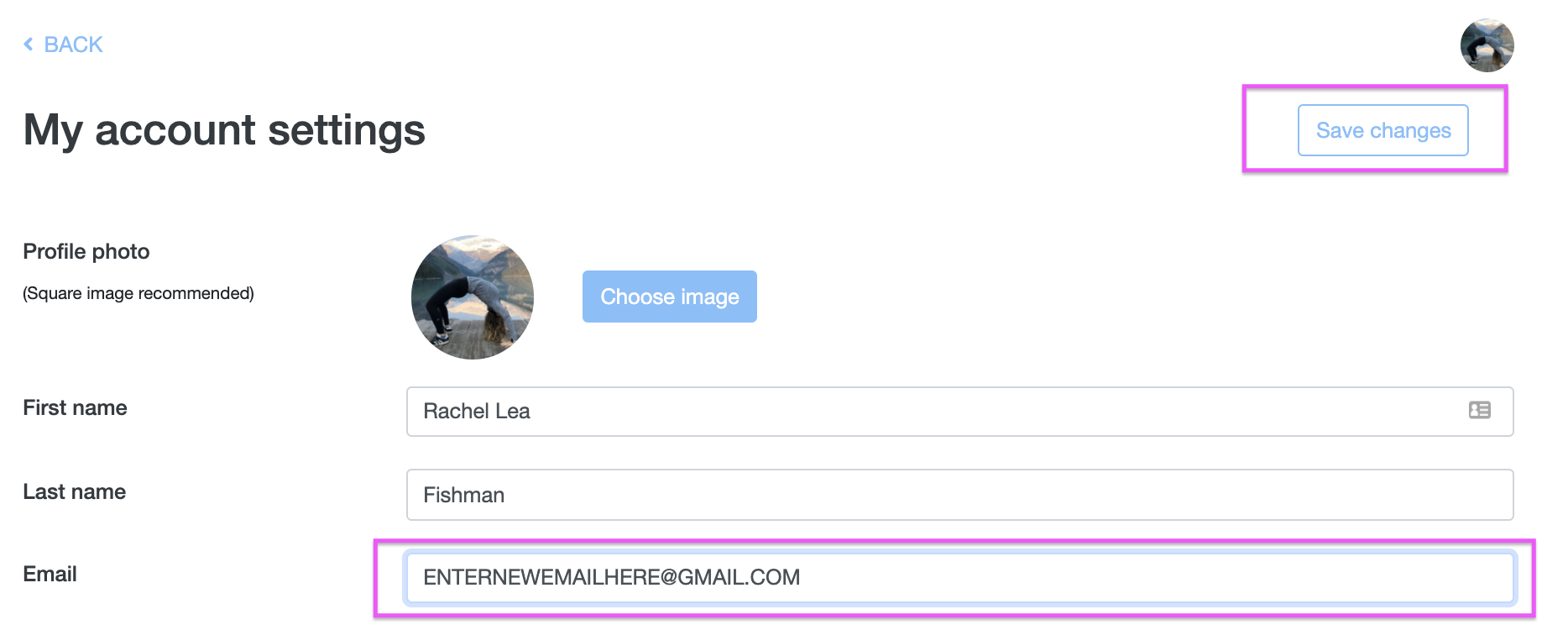
-
Enter your password to confirm the change
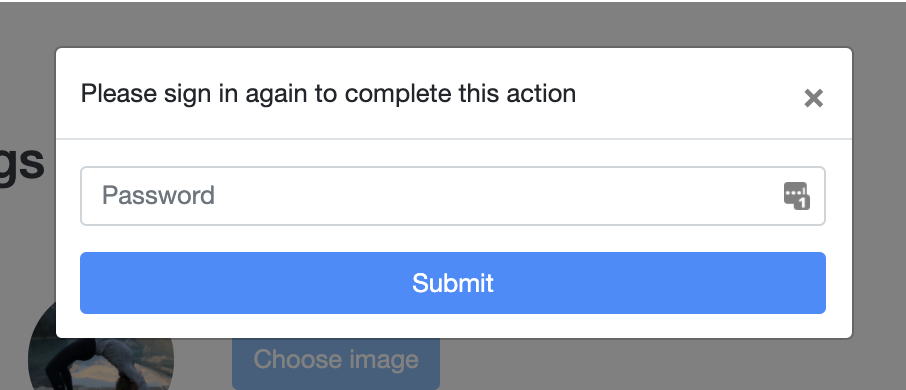
-
When you see the green confirmation bar, your email has been updated

You log in through your studio's own website, on-demand library, or program page — there's no separate Arketa login. If you can't find the Login button, ask your studio for a direct link.
On some studios' newer booking pages, the email field can't be edited. If so, ask your studio to change it for you.
After you change it
- Use your new email to log in. The next time you sign in, use your updated email address and the same password.
- Studio emails go to the new address. Account confirmations and any emails from your studio will now be sent to your new email.