
Add your pronouns
Add your preferred pronouns so your instructors see them on your profile and the class roster.
Add your pronouns
Adding your pronouns helps your studio and instructors refer to you the way you'd like.
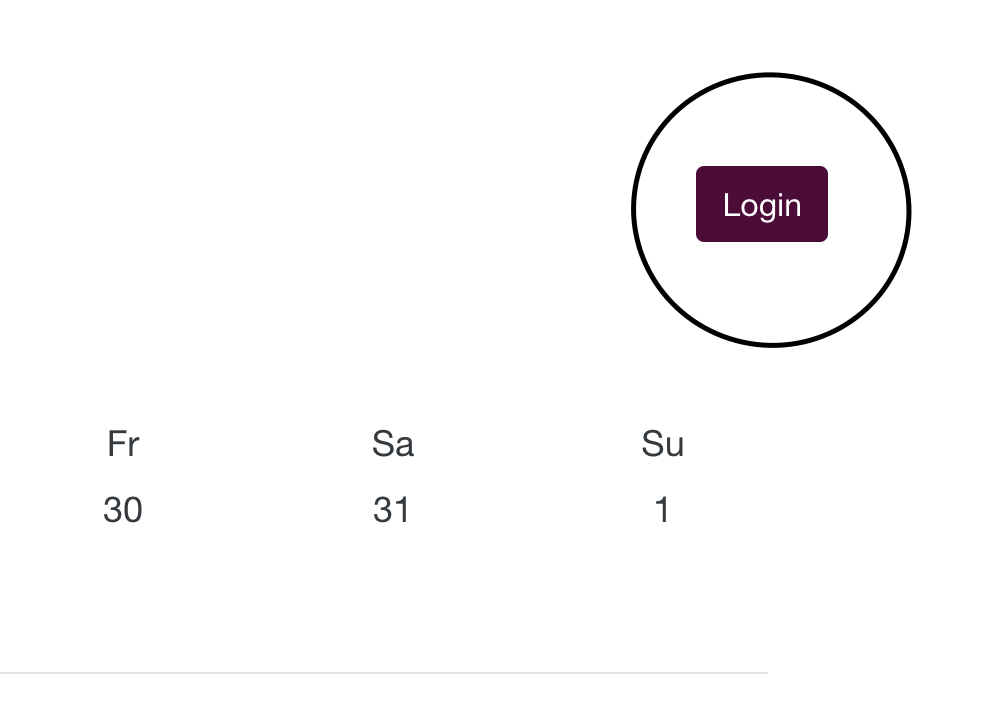
- Log in to your account using the Login button in the upper-right corner of your studio's website
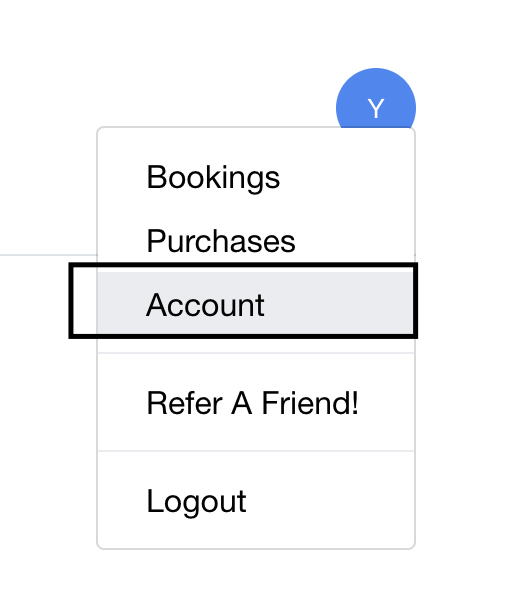
- Click your profile circle in the top right and select Account
- In the Pronouns section, select your pronoun(s) — you can choose up to 4
- Click Save changes
You can pick up to 4 pronouns, so add whichever combination fits you best.
Where your pronouns appear
Once you save, your instructors can see your preferred pronoun(s) in your client profile and on the class roster.
Edit or remove your pronouns
You can change or remove your pronouns at any time from the same Pronouns section in your Account settings.
If your pronoun isn't listed, let your studio know. If you don't see a Pronouns section at all, your studio has turned it off.
Was this helpful?