
View your purchases and programs
See your past purchases, memberships, and programs from your account.
Your account lists your active memberships, packages, and programs. Retail purchases are listed separately.
View your purchases
Log in on your instructor's website
Open your instructor's website and log in to your account.
Tap your profile circle
Tap the profile circle in the top-right corner of the page.
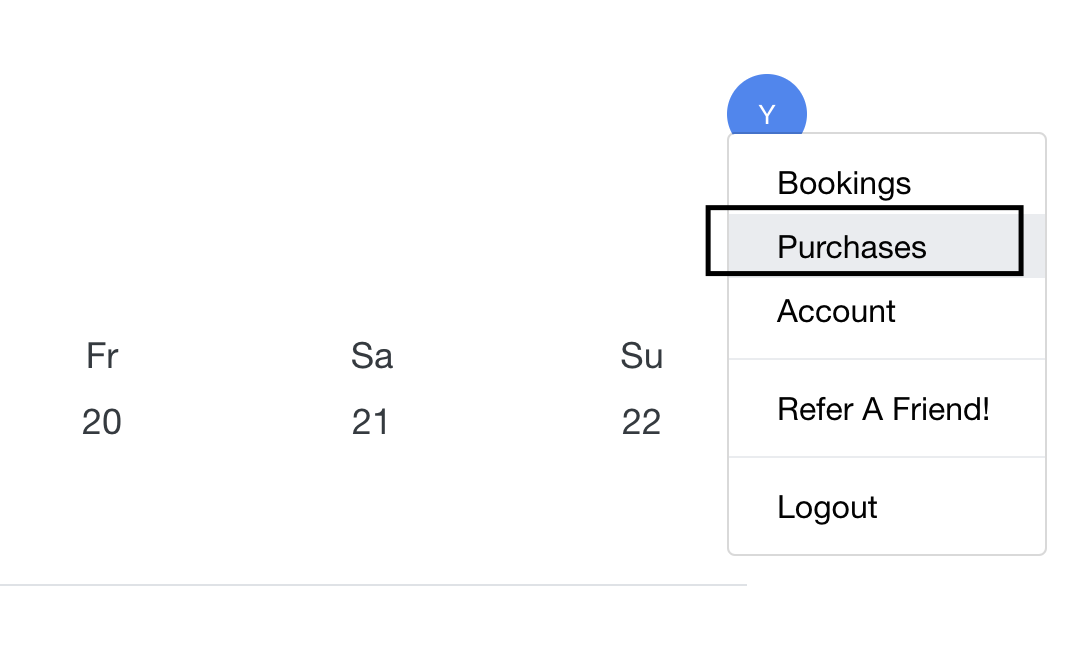
Select Active Packages
Select Active Packages to see your memberships, packages, and programs. Click View Details on any item for more information.
Open a program you bought
In Active Packages, find the program and click View to the right of it. This opens the program. View only appears for programs that haven't expired.
View retail orders
Select Orders from the profile menu to see products you bought.

Don't see a recent purchase? Make sure you're logged in with the same email you used when you bought it.
Was this helpful?