
Mobile app
Download your studio's app and use it to book classes, watch videos, and manage your account.
If your studio has a branded mobile app, you can use it to book classes, browse on-demand videos, join communities, and manage your account — all from your phone.
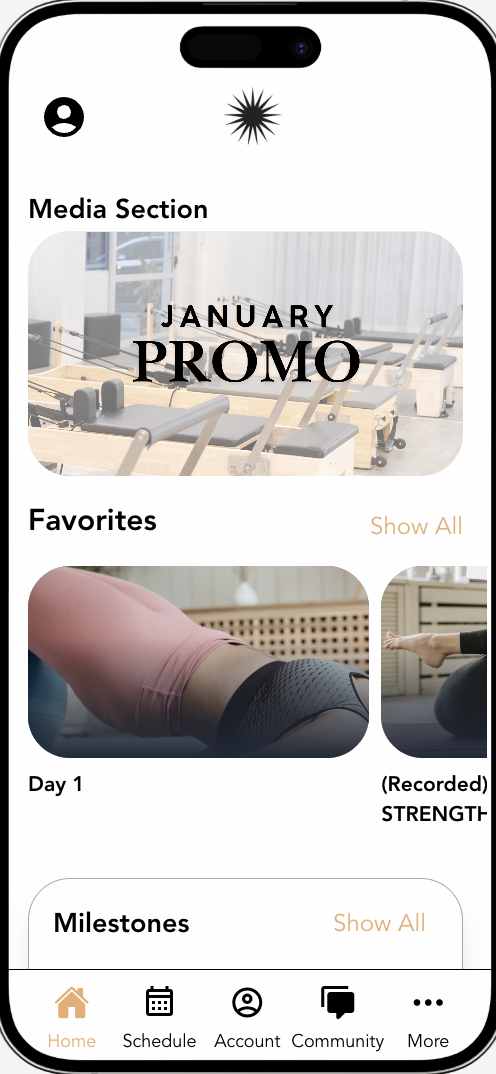
Download the app
Your studio will share a link or QR code to download their app. You can find it in:
- The email they sent you when you signed up
- Their website (look for "Download the app" or "Get the app")
- The App Store or Google Play — search for the studio's name
Log in
Open the app and log in with the same email and password you use on the studio's website. If you don't have a password, use the "magic link" option — enter your email and you'll receive a code to enter.
What you can do in the app
- Book classes — browse the schedule and reserve your spot
- Watch videos — access on-demand content included in your membership
- Join communities — access programs, challenges, and forums
- Manage bookings — view upcoming classes, cancel if needed
- Update your profile — change your photo, contact info, or payment method
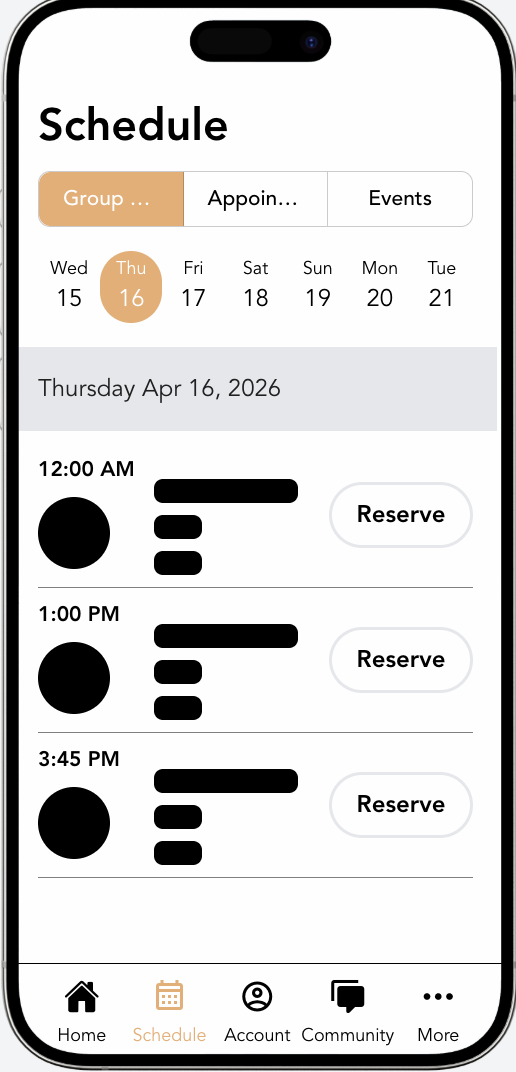
Push notifications
The app can send push notifications for:
- Class reminders before your booked sessions
- Waitlist alerts when a spot opens up
- Messages from your studio
Enable notifications in your phone's settings if you want to receive them.
Troubleshooting
App won't open or keeps crashing: Try closing the app completely and reopening it. If that doesn't help, uninstall and reinstall.
Can't log in: Use the same email you have on file with the studio. Try the "forgot password" option if needed.
Classes not showing: Pull down to refresh the schedule. If they still don't appear, check your internet connection.
If you're still having issues, let your studio know — they can help troubleshoot or contact Arketa support on your behalf.