Client milestones
Track class attendance milestones and recognize clients for their loyalty.
Milestones track how many classes a client has attended. You can celebrate these automatically — send a congratulations email when someone hits their 10th, 50th, or 100th class, or use milestones to segment clients in marketing automations.
How milestones are counted
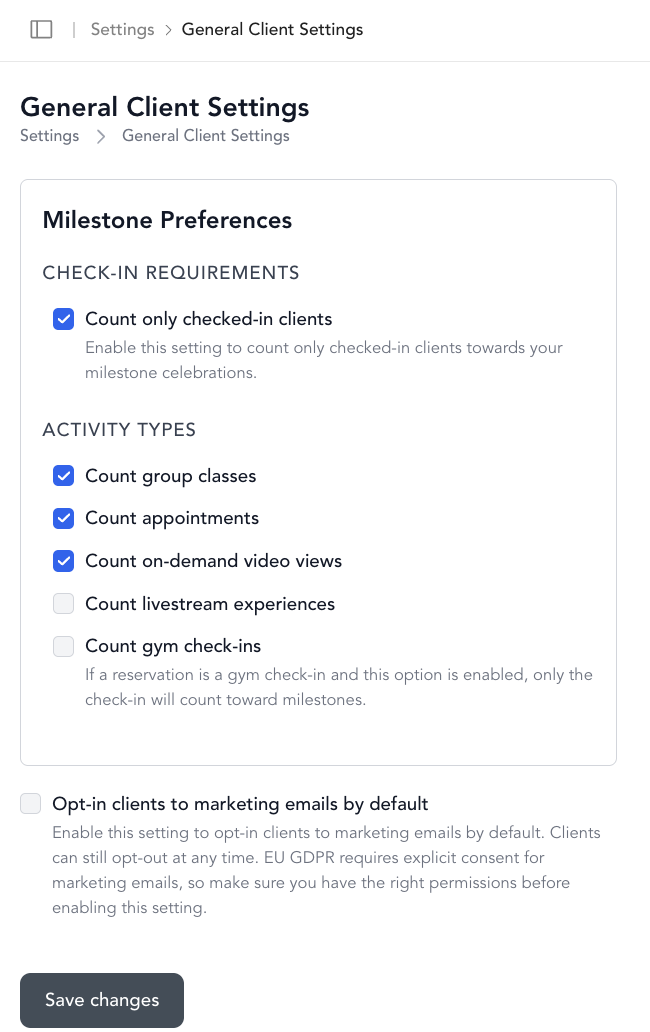
By default, Arketa counts all class bookings. You can customize what counts toward milestones in Settings → General Client Settings:
- Source of truth — whether milestones count bookings or only checked-in clients
- Count only checked-in clients — toggle this on to only count classes the client actually attended (not just booked)
- What to count — check or uncheck: group classes, appointments, videos
These settings apply to all clients going forward.
View a client's milestone
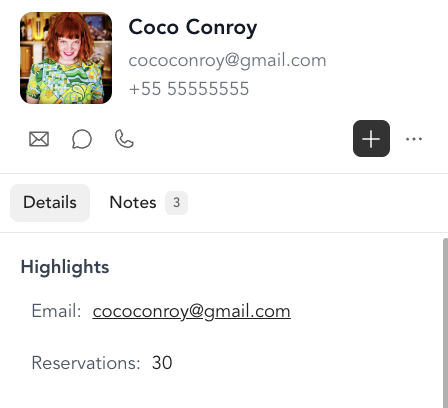
Open a client's profile — their milestone count is shown near the top of the profile.
Edit a client's milestone
If a client was with you before you started using Arketa, you can add their previous class count to give them credit for their history:
- Open the client's profile
- Click the three dots under their profile picture → Edit Client
- Scroll to Original Milestone
- Enter the number of classes they took before joining Arketa
- Save
The original milestone is added to their Arketa booking count for their total.
Example: A client has 1 class booked in Arketa. You add 49 to their original milestone. Their total milestone now shows as 50.
Automations based on milestones
You can trigger automations when a client reaches a milestone — send a congratulations email, offer a reward, or tag them for follow-up. Set this up in Marketing → Automations using the milestone trigger.
Class check-in and milestone display
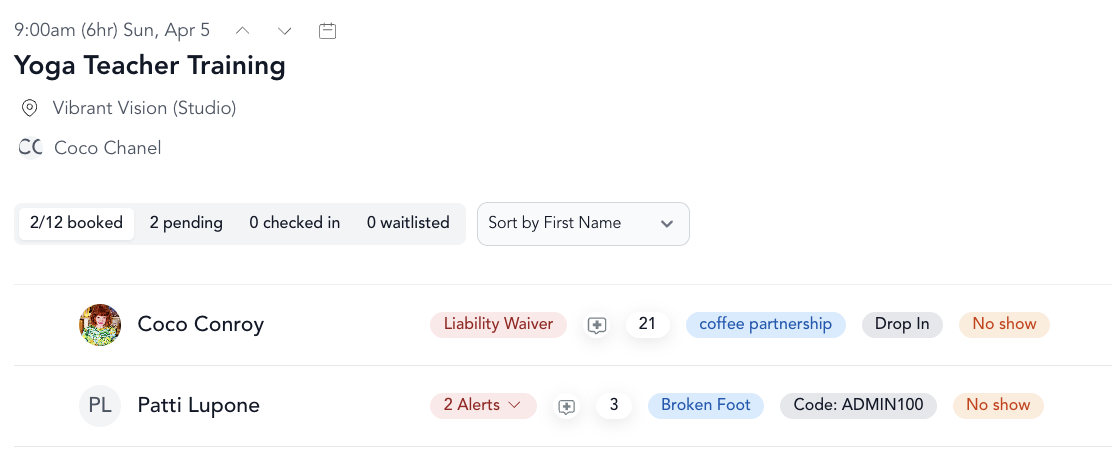
On the class check-in screen, each client's current milestone is displayed. The count includes the current class even before they've been checked in (shown as "including this one" with a tooltip), so you can celebrate milestone moments at the moment they happen.