
Sell retail online
Make retail products available for purchase through your booking widget and website.
Retail products can be sold in-person through the POS, online through your booking widget, or both.
Enable a product for online sales
When adding or editing a product:
- Under the listing options, select "On your website"
- Save
The product appears in your online shop embedded in your booking widget.
Fulfillment options
You can set whether products are available for pickup, delivery, or both:
- Go to Sales Channel → Website Integration → Online Shop
- Under Online Shop, Enable Pick Up, Delivery, or both
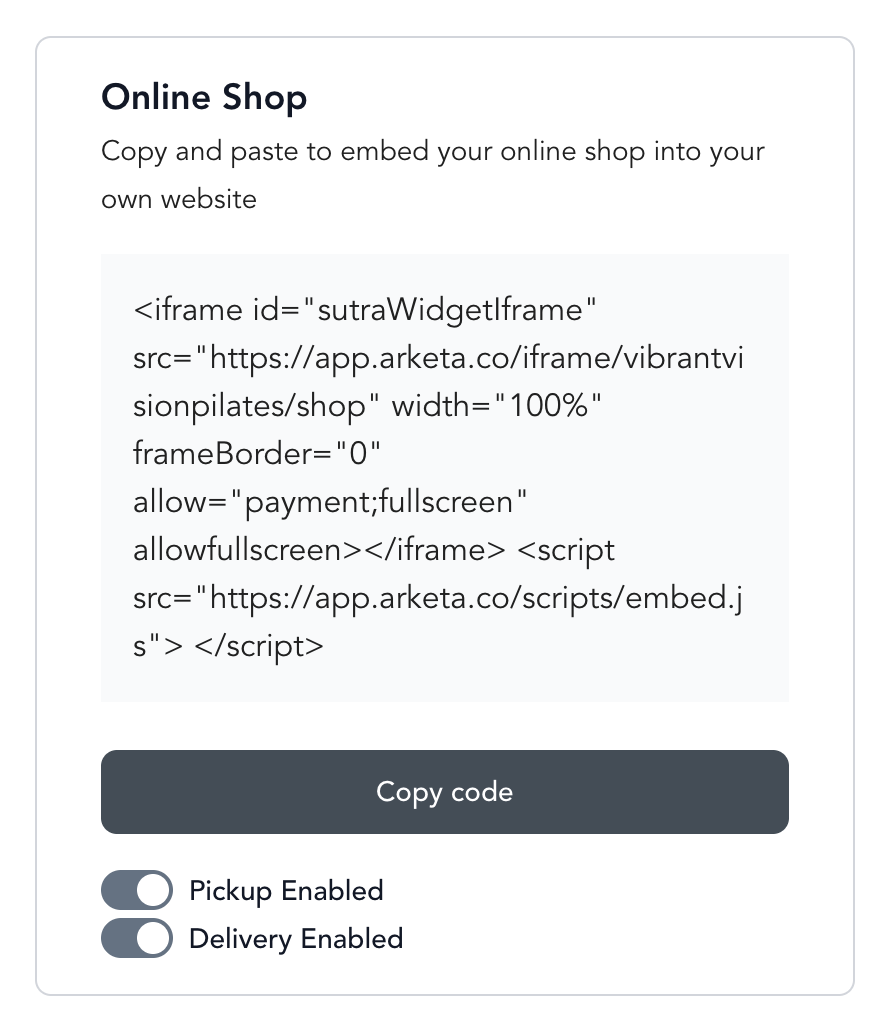
This applies to all products listed for online sale.
Where the pick-up address comes from
When Pick Up is enabled, the address clients see at checkout is your business mailing address — it is not set in the Online Shop settings.
To change it:
- Go to Settings → Public Facing Page
- Update the Mailing address field
- Save
The new address appears at checkout right away.
Pick up uses one address for your whole business. If you have multiple locations, you cannot set a different pick-up address for each one — clients see the same mailing address regardless of which location they book at. If you have not set a mailing address, clients see "The business owner will be in touch with pick up instructions" instead.
Mobile app add-ons after checkout
If you have the Arketa branded app, you can present retail products to clients after they complete a booking:
- Go to Beyond Classes → Retail Items
- Open the retail item
- On the right side, enable "Add-on purchase" and "On your website"
- Save
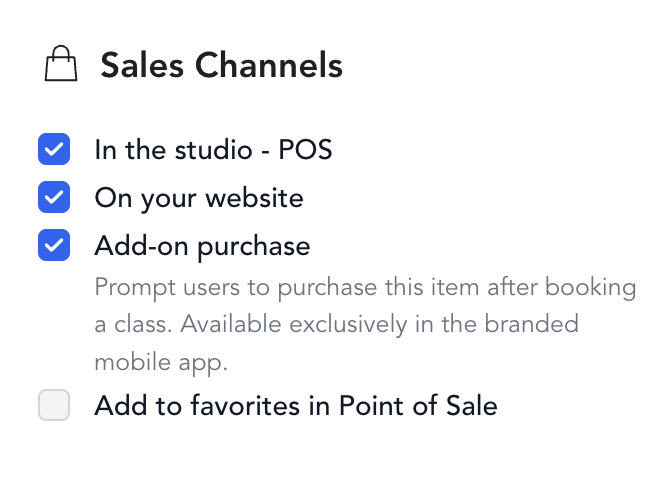
Then enable the Shop tab in your app:
- Go to Sales Channel → Mobile App
- Turn on the Shop tab
- Save
After booking, clients see a "Buy an add-on" screen with the products you've selected. They can add items to their cart and check out directly.
Post-checkout add-ons are available in the branded mobile app. Service type add-ons (shown before checkout) are available on the web.