
Access on-demand videos
How to watch your studio's on-demand video library.
Many studios offer on-demand workout videos you can watch anytime — class recordings, programs, tutorials, and more.
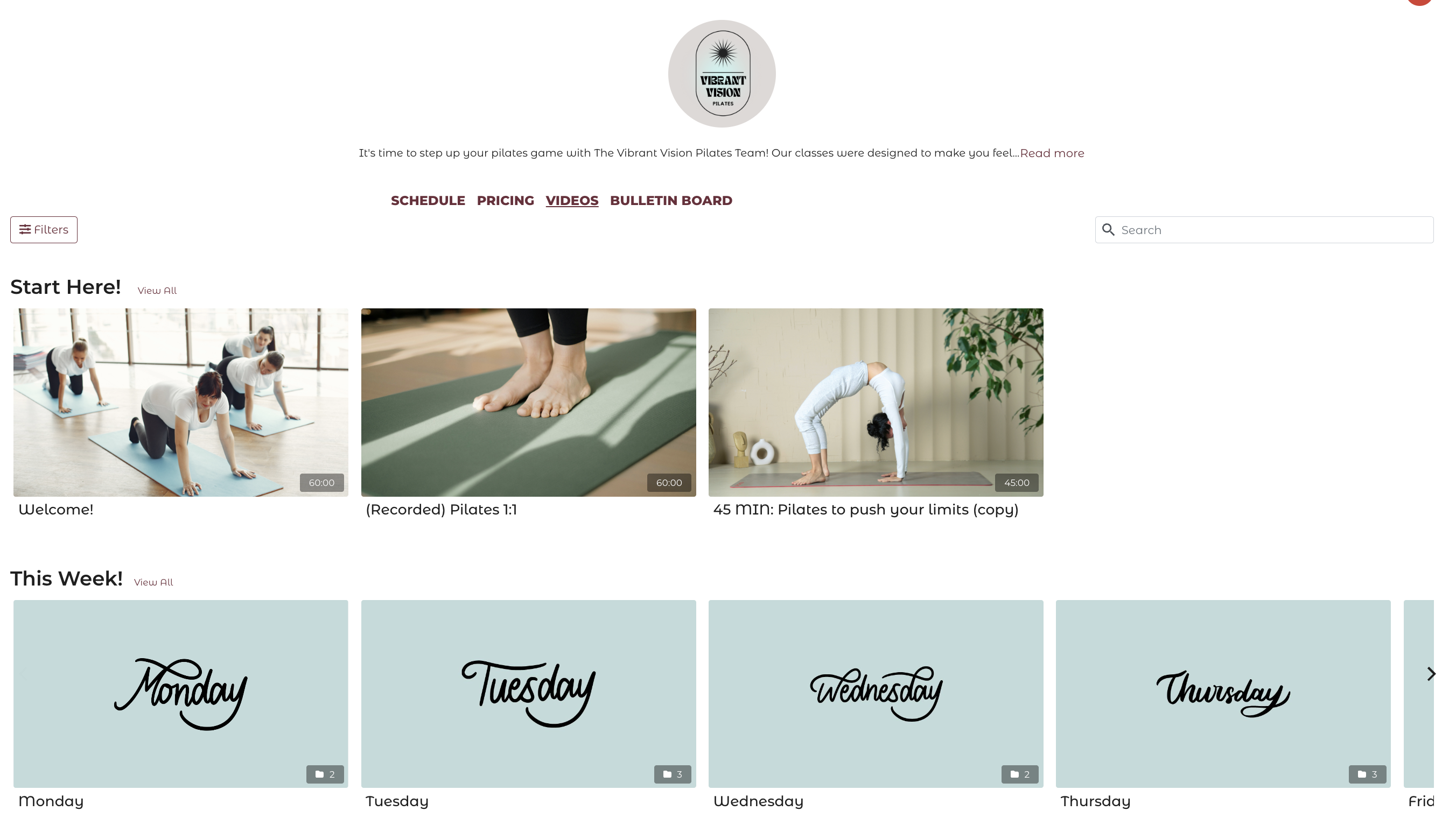
Find the video library
Your studio's video library is usually accessible from:
- A Videos or On-Demand link on their website
- The Videos tab in their mobile app
Access with a membership
If your membership includes on-demand videos, you're automatically granted access when you're logged in. Just open the video and press play.
If a video says it requires a purchase or isn't accessible with your current membership, contact your studio — it may be in a separate tier or not included in your plan.
Purchase individual videos
Some studios allow you to buy or rent individual videos:
- Buy — one-time purchase for permanent access
- Rent — access the video for a set time window (e.g., 24 or 48 hours)
Both options are available at checkout when you click on a video.
Browsing the library
Use categories and filters to find what you're looking for:
- Browse by category (e.g., Yoga, HIIT, Stretch)
- Filter by intensity, duration, body focus, or equipment
- Search by video name
- Find videos you've already taken with Taken by me
- Find new ones with Not taken by me

Watching on TV with Chromecast
To cast videos to your TV:
- Download the Chromecast Streamer app
- Make sure your Chromecast is connected and on the same WiFi network
- Open the app, choose "stream from website"
- Open the studio's video library and play a video
Playback issues
If a video won't play:
- Try a different browser (Chrome works best)
- Clear your browser cache and cookies
- Check your internet connection
- Make sure you're logged in
If the issue continues, contact your studio with the video name and a description of what's happening.