
Troubleshooting appointments
Fix common issues with appointment availability, booking, and calendar display.
If appointment times aren't showing correctly or clients can't book, work through this checklist.
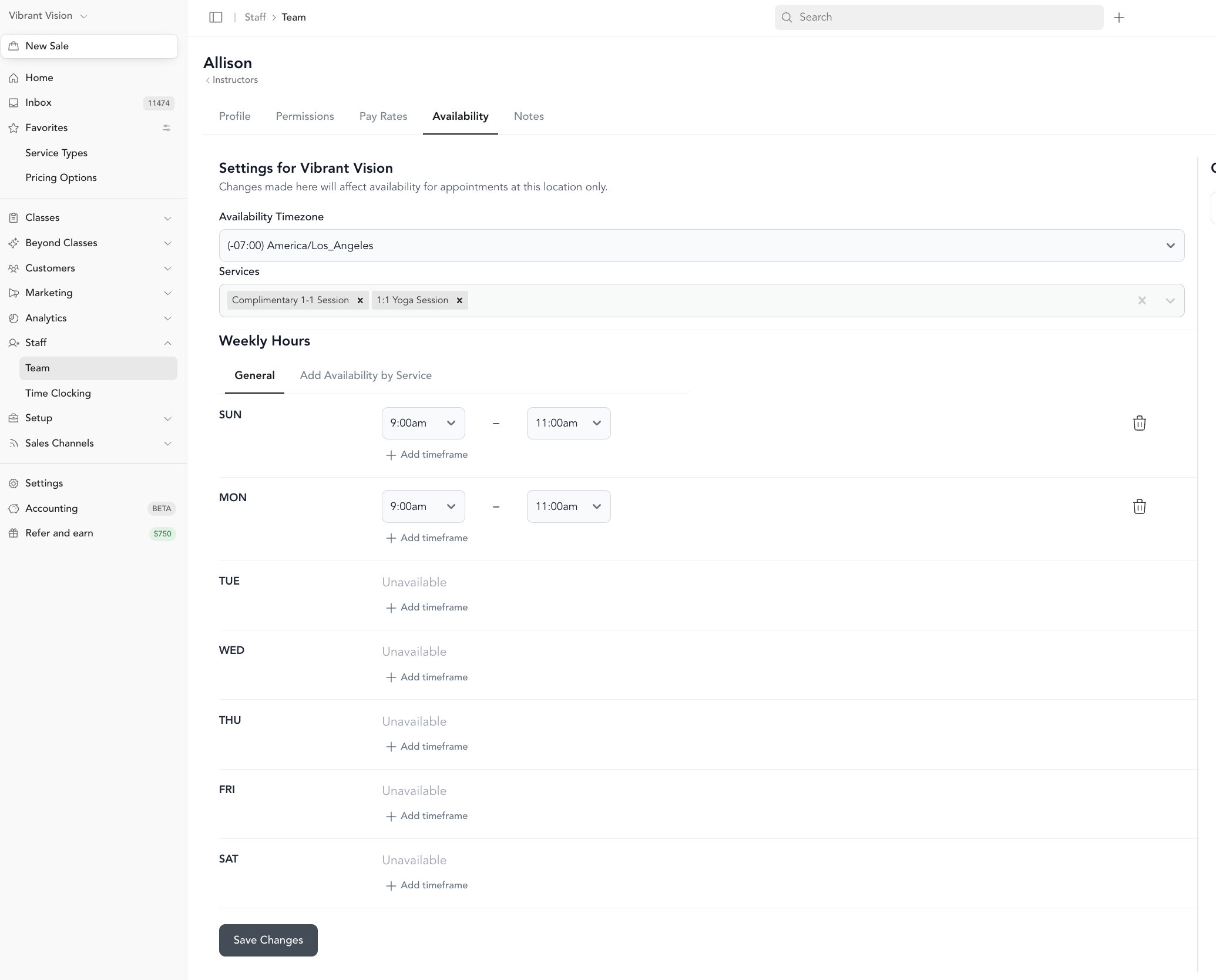
Availability isn't showing up
Room or resource not showing as available
Client can't complete a booking
Still stuck?
Send a message through the chat in your dashboard or email support@arketa.com. Share the specific date, time, instructor, and service type you're having trouble with — screenshots help.
Was this helpful?